Restaurant stamp for receipts and orders
A restaurant stamp goes on receipts a customer will claim back on expenses and on the delivery notes that settle an argument with a supplier at the end of the month.
Restaurant stamp templates, ready to edit
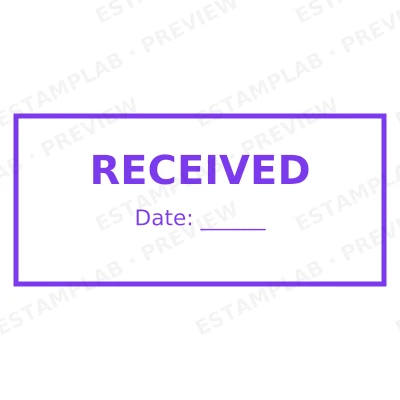
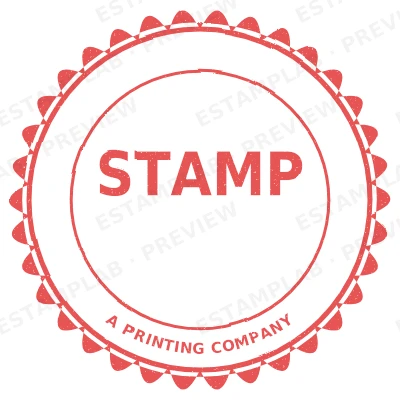
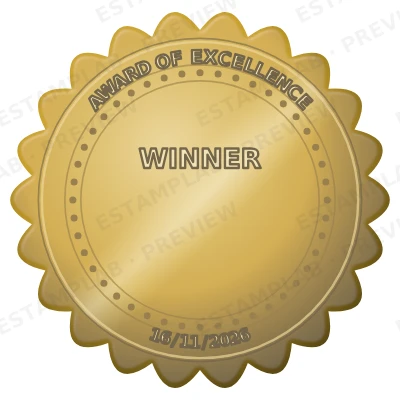
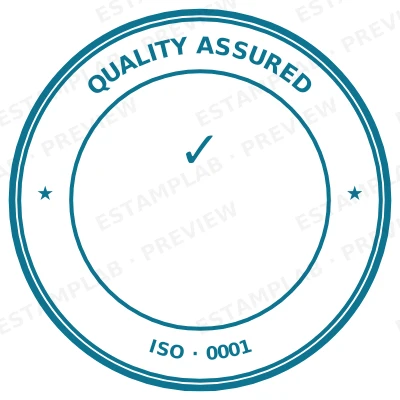
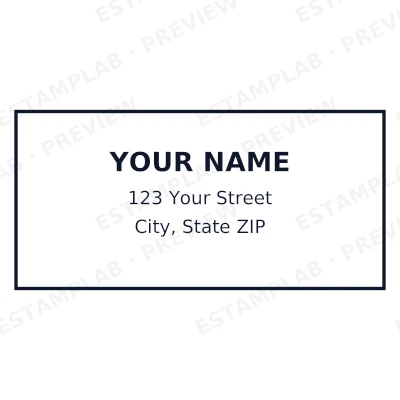
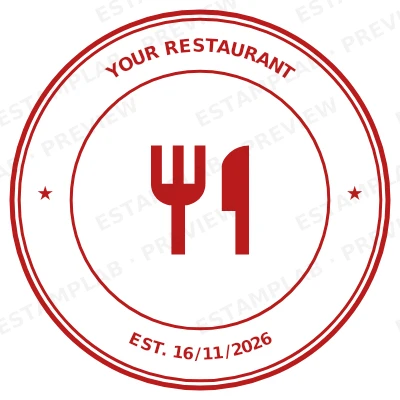
Open the stamp maker with any of these
Every preview on this page carries a faint Estamplab watermark. Your own download does not: the editor renders your stamp again, clean, as a transparent PNG, an SVG or a PDF. See the full template library.
When to use Restaurant stamp
- Customer receipts for expense claims
- Supplier delivery notes
- Function and catering confirmations
- Daily takings records
How to make Restaurant stamp
- Open the stamp maker and pick the Restaurant stamp template, or type your own wording.
- Work through the shape, the border and the ink, then drop a logo into the centre and place the date.
- One image format is $1.50. The zip at $3.00 adds the vector, the print PDF and the Word file.
How to put a restaurant stamp on a PDF
In Bluebeam, Markup then Image places the restaurant stamp, and the result behaves like any other markup until you flatten it. Flattening matters on anything going to a client or a reviewer: before it, the stamp is an object anybody can select and drag off the page.
What size should a restaurant stamp be?
Text is the limit, not the shape. Every line you add to a restaurant stamp makes the rest smaller, and letters below roughly 6pt at true size stop surviving a scan or a fax. Three to five lines is the practical ceiling on a 40 mm mark.
What a restaurant stamp does not prove
This produces an image. It is not an electronic signature in the legal sense: that is a cryptographic thing tied to verified identity, and it comes from an e-signature service. A restaurant stamp shows intent and identity to a human reader, which is what routine paperwork actually runs on, and it is worth knowing which of the two a document needs.
Frequently asked questions
Is the restaurant stamp free?
Free until you want the file. The restaurant stamp previews at full quality with nothing over it, and only the download is charged: $1.50 for one image format, $3.00 for all of them zipped.
Can I add a date to the restaurant stamp?
Yes, and you can add a time beside it. On a restaurant stamp the date can either be one you type, which stays fixed, or left blank so it resolves at the moment of each download.
Can I get the restaurant stamp as a PNG, an SVG or a PDF?
You choose an image format for $1.50, or take everything zipped for $3.00. The pack is where the SVG and the PDF live, and where the Word version of the restaurant stamp keeps its date as real text.
How much does a restaurant stamp cost, and what do I get?
Both, in the order that helps. Open a restaurant stamp sample as a layout, then use the restaurant stamp generator rather than a fixed restaurant stamp template, because the wording, shape and spacing are yours. Making a restaurant stamp online is free; the restaurant stamp price is $1.50 for a restaurant stamp png and $3.00 for the full set, and the restaurant stamp design stays editable after. It is a restaurant stamp maker, not a download.