Date stamp generator with a date that fills itself in
A date stamp generator where the date resolves at the moment the stamp is used, so the impression records the real date rather than the date the file was created.
Date stamp generator with a date that fills itself in templates, ready to edit
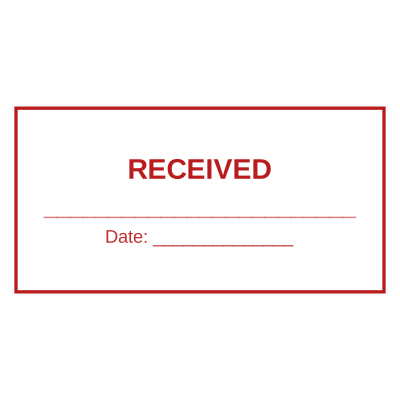




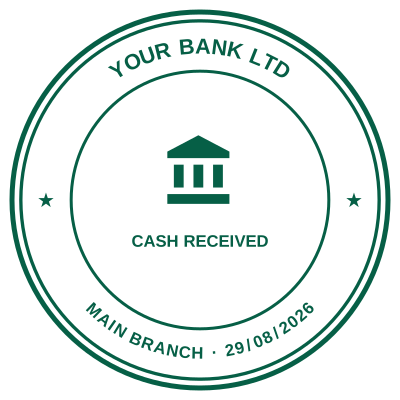
Open the stamp maker with any of these
Every preview on this page carries a faint Estamplab watermark. Your own download does not: the editor renders your stamp again, clean, as a transparent PNG, an SVG or a PDF. See the full template library.
A digital date stamp should not need explaining twice, but most date stamp generators draw the date you typed into an image and hand it back. That file shows the same date forever, which is fine for a decorative seal and useless for anything where the date is the point. Here the date is stored as an instruction rather than a picture, so the stamp fills it in when you use it.
What you get
- Leave the date field empty and it means "whenever this is used", filling itself in at download.
- Type a date instead and it stays fixed, for when you are recording a specific day.
- Add a time as well as a date, which is what matters on a deadline that falls at a particular hour.
- Choose the format: 14/08/2026, 14 Aug 2026, 2026-08-14 and others.
- The Word download keeps the date as text you can retype, rather than a flat picture.
- Comes out as a transparent date stamp png, a date stamp image on a white background, or an SVG, so it drops onto a document without a white box behind it.
- Choose the font as well as the format. A date stamp font that mimics a worn typewriter block reads as an impression; a clean sans reads as a label. Both are in the list, and the aging control decides how pressed it looks.
How to make it
- Open the stamp maker and pick a shape, or start from a template.
- Type your wording, then set the colour, border and size.
- Add the date, time, serial number or logo, and position each one.
- Preview it live, then download. Designing and previewing are free.
Questions
Will the date update every time I use the stamp?
If you leave the date field empty, yes. Each download resolves it to that moment. If you type a date, it stays exactly as you typed it, because a date somebody entered deliberately is a record of a day rather than a placeholder.
Can I add the time as well?
Yes, and it is worth doing on anything with a deadline. A tender that closes at noon or a filing cut-off at 5pm turns on the hour, and a date alone cannot show whether you were in time.
What date formats can I use?
Day-first, month-first and ISO, with or without a leading zero, and with the month as a number or as a word. Pick whichever matches the paperwork you are stamping.
What is the date stamp price?
Designing and previewing are free with no account and no watermark on the preview. The date stamp price for the file is $1.50 for a PNG or JPG, or $3.00 for every format zipped, paid once rather than monthly. Compared with a physical date stamp, which is usually somewhere between fifteen and forty of most currencies plus a wait, the arithmetic is not close if the stamp is going on documents that stay digital.
Do I need a date stamp machine instead?
If you are stamping paper you are physically holding, yes, buy one. A date stamp machine is faster than any file for a desk with a queue of paper on it, and nothing here replaces that. The case for a digital one is when the documents are PDFs and Word files: printing a document so you can stamp it and scan it back in is a detour, and the bands on a physical machine have to be turned by hand every morning, which is why so many documents get stamped with yesterday.
Estamplab is a design tool. This page describes common commercial practice rather than giving legal, tax or financial advice, and practice changes. Where a specific document matters, check the requirement with the body receiving it. Only produce a mark your own organisation or your own credentials are entitled to use.