Automatic date stamp generator, no manual editing
An automatic date stamp generator: the date is written when the stamp is used, so nobody has to open an image editor to change it.
Automatic date stamp generator, no manual editing templates, ready to edit
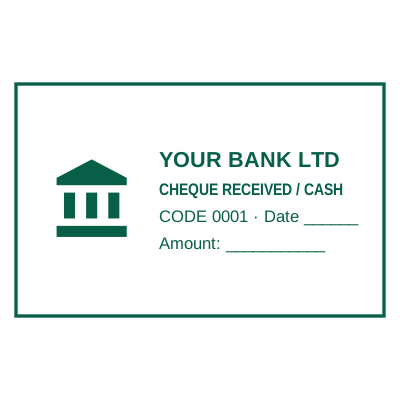

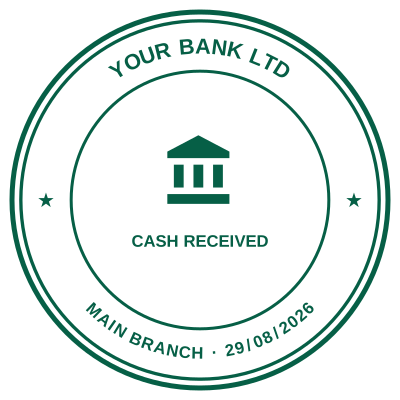
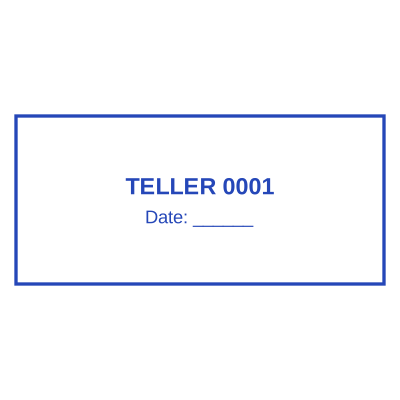
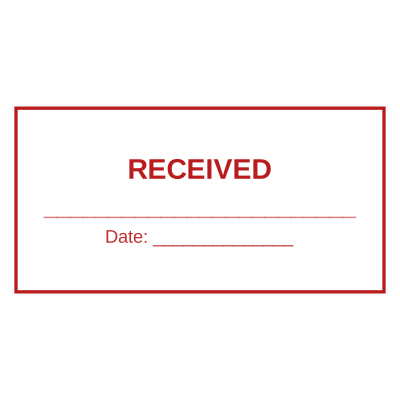

Open the stamp maker with any of these
Every preview on this page carries a faint Estamplab watermark. Your own download does not: the editor renders your stamp again, clean, as a transparent PNG, an SVG or a PDF. See the full template library.
The manual version of this is opening last month’s stamp in an image editor, finding the date layer, retyping it, exporting again, and hoping nobody notices the day you forget. The automatic version is a stamp that knows the date is a variable.
What you get
- No image editor, no date layer, no re-export when the month turns over.
- One saved stamp serves all year, rather than a folder of dated files.
- Nothing to remember: there is no wheel to turn and no field to update.
- Works alongside a serial number, so an impression can carry both.
How to make it
- Open the stamp maker and pick a shape, or start from a template.
- Type your wording, then set the colour, border and size.
- Add the date, time, serial number or logo, and position each one.
- Preview it live, then download. Designing and previewing are free.
Questions
How is this different from typing the date in?
A typed date is drawn into the image and is then permanent. An automatic date is resolved at the moment you download, so the same saved stamp produces today’s date today and tomorrow’s date tomorrow.
Do I need an account for it to work?
No. The automatic date works on any download, including a guest purchase with no account. An account is what lets you save the stamp and reuse it, which is the point of not having to rebuild it.
Can I still override the date for one document?
Yes. Type a date into the field and that download uses it. Clear the field again and it goes back to filling itself in.
Estamplab is a design tool. This page describes common commercial practice rather than giving legal, tax or financial advice, and practice changes. Where a specific document matters, check the requirement with the body receiving it. Only produce a mark your own organisation or your own credentials are entitled to use.