Address stamp maker online, free to design
An address stamp is the highest-volume mark on most desks and the least glamorous: name, street, town, postcode, in straight stacked lines that a postal worker can read at a glance.
Address stamp maker templates, ready to edit


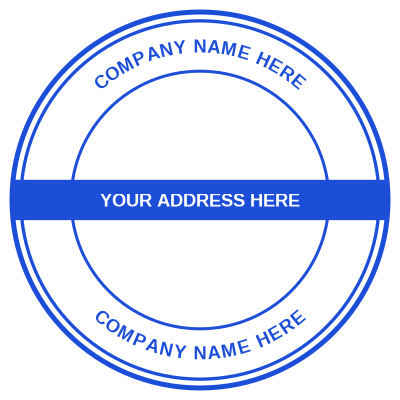
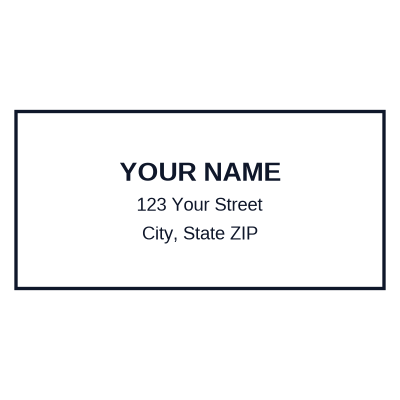
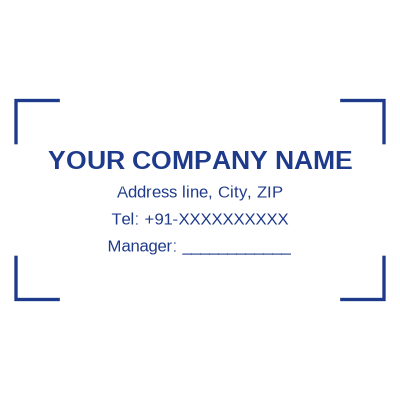
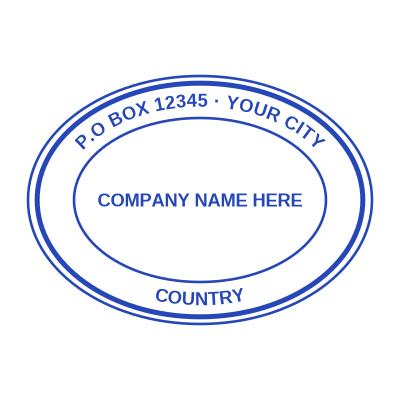
Open the stamp maker with any of these
Every preview on this page carries a faint Estamplab watermark. Your own download does not: the editor renders your stamp again, clean, as a transparent PNG, an SVG or a PDF. See the full template library.
When to use Address stamp maker
- Return addresses on post
- Letterheads on plain paper
- Forms asking for your details
- Packing slips and delivery notes
How to make Address stamp maker
- Open the stamp maker and pick the Address stamp maker template, or type your own wording.
- Choose the shape and ink colour, size it like a real stamp, and add a logo, a date or a number.
- Download it: a transparent PNG for documents, or the pack for the SVG, the PDF and the Word version.
How to put an address stamp maker on a PDF
In Word, insert the address stamp maker as a picture and then change the wrap to In Front of Text. That one setting is the whole problem: left as it is, Word treats the image as a very large character and pushes your paragraphs down the page. Once the wrap is changed it can be dragged anywhere, including over a signature line.
What size should an address stamp maker be?
Text is the limit, not the shape. Every line you add to a address stamp maker makes the rest smaller, and letters below roughly 6pt at true size stop surviving a scan or a fax. Three to five lines is the practical ceiling on a 40 mm mark.
What an address stamp maker does not prove
The organisation receiving the document decides whether a address stamp maker is acceptable, and practice varies more than people expect. For invoices, internal approvals and routine correspondence an image is widely accepted. For deeds, filings and anything going to a court or a registry, confirm before you rely on it.
Frequently asked questions
Is the address stamp maker free?
Designing is free and unlimited. Downloading the address stamp maker is $1.50 for a single image, or $3.00 for every format at once. One payment either way, with no subscription attached.
Can I add a date to the address stamp maker?
Yes, and you can add a time beside it. On a address stamp maker the date can either be one you type, which stays fixed, or left blank so it resolves at the moment of each download.
What format do I get?
Images on their own: transparent PNG, white PNG, JPG, and high-resolution versions of each. The pack adds the SVG, the print PDF and the Word file where the date and serial stay editable text.
Can I design my own, or pick from templates?
Neither a static address stamp maker template nor a stock image: a address stamp maker generator you drive, and a address stamp maker maker in the sense that matters, which is that nothing is fixed. Choose a address stamp maker sample layout, rework the address stamp maker design, build the address stamp maker online and download when it looks right. The address stamp maker price is $1.50 for a single address stamp maker png or $3.00 for every format zipped.