Free signature stamp maker online
A signature stamp reproduces your own signature as a mark you can apply repeatedly, which turns thirty sign-offs on routine paperwork into thirty placements. It is for the routine work: anything consequential still gets signed by hand.
Signature stamp templates, ready to edit
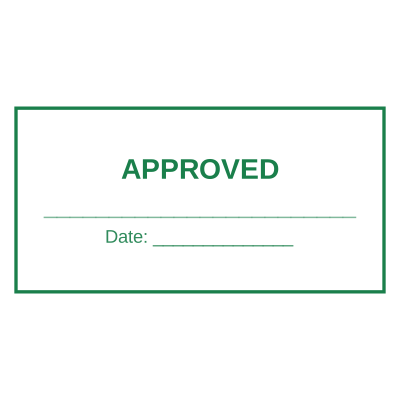

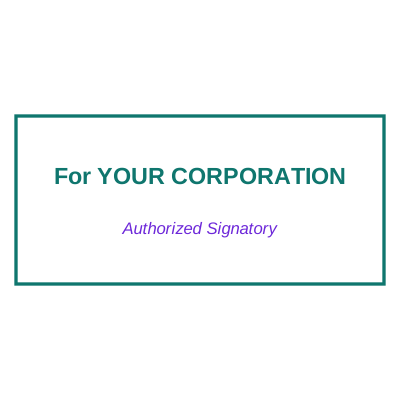
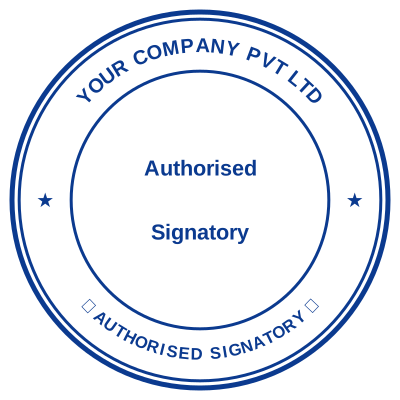


Open the stamp maker with any of these
Every preview on this page carries a faint Estamplab watermark. Your own download does not: the editor renders your stamp again, clean, as a transparent PNG, an SVG or a PDF. See the full template library.
When to use Signature stamp
- Routine approvals and sign-offs
- Delivery notes and packing slips
- Internal forms and timesheets
- Letters going out in volume
How to make Signature stamp
- Open the stamp maker and pick the Signature stamp template, or type your own wording.
- Decide the outline and the colour first, size it to match the paperwork, then add the changing lines.
- Grab the transparent PNG if you are placing it on screen, or the pack if it has to survive printing.
Frequently asked questions
Is the signature stamp free?
You can design a signature stamp and look at it as long as you want without paying or signing up. Downloading costs $1.50 for a PNG or JPG, or $3.00 for the pack with the vector and document formats in it.
Can I add a date to the signature stamp?
Add a date line anywhere on the signature stamp. If you type a date it stays put; if you leave it empty it becomes today's date each time the file is generated, which is usually what a dated stamp is for.
What format do I get?
A transparent PNG for dropping onto documents, plus a white-background PNG and a JPG. The $3.00 pack adds an SVG, a print-ready PDF and a Word file that keeps the date and serial as text you can retype.
Is this a maker or just a template?
This is a free signature stamp maker. Pick a signature stamp sample for a head start or use the blank signature stamp generator, then change every line of the signature stamp design. Everything happens with the signature stamp online in your browser. The signature stamp price is per file rather than monthly, $1.50 for a signature stamp png and $3.00 for the pack, and a signature stamp template never enters into it.
Is a signature stamp legally binding?
It can be evidence that something was authorised, and it is not the same as a signature made by hand with intent to be bound. Keep it to routine internal paperwork and sign contracts, deeds, guarantees and cheques yourself. Where it matters, what the counterparty will accept matters more than what you consider sufficient.
How do I make a signature stamp from my signature?
Sign on white paper in dark ink, photograph or scan it, and upload it here. The background is knocked out so the signature lands as ink rather than as a white card, and you can add a name and title line beneath it.
Read more
Estamplab is a design tool. What a notarial or legal mark must carry is set by the authority that issued the commission or the appointment, and it differs sharply between jurisdictions, so check your own paperwork before relying on any layout here. This page describes common practice rather than giving legal advice. Only produce a mark you hold the authority to use: a stamp in the name of an office you do not hold is forgery.