Authentication stamp for verified records
An authentication stamp marks a record as checked against its source, which is a different claim from certifying a copy: it says somebody went back to the original and confirmed it.
Authentication stamp templates, ready to edit
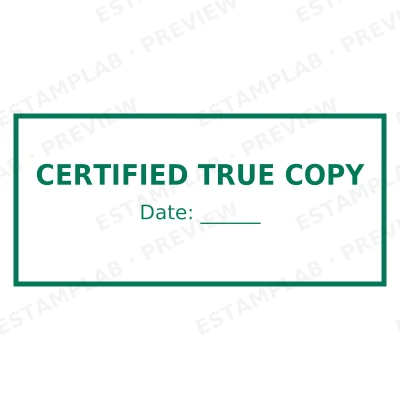

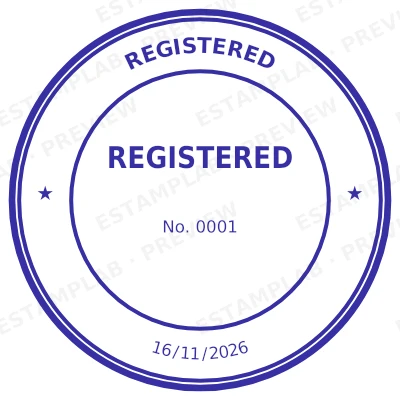
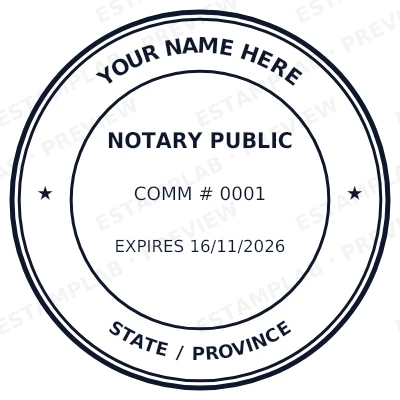
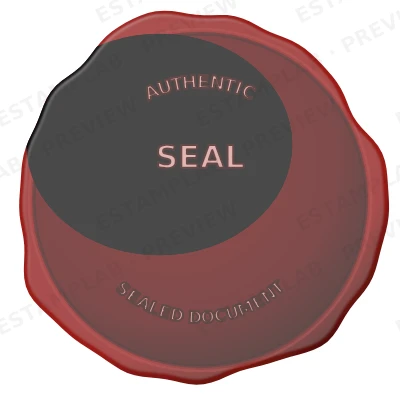
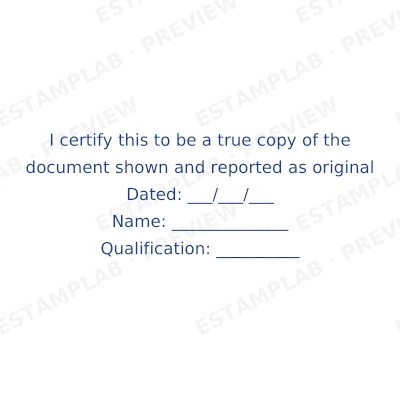
Open the stamp maker with any of these
Every preview on this page carries a faint Estamplab watermark. Your own download does not: the editor renders your stamp again, clean, as a transparent PNG, an SVG or a PDF. See the full template library.
When to use Authentication stamp
- Records checked against originals
- Verified credentials and licences
- Authenticated corporate documents
- Confirmations issued to third parties
How to make Authentication stamp
- Open the stamp maker and pick the Authentication stamp template, or type your own wording.
- Style it: shape, border, ink colour and size, plus a logo and the date or serial if you need them.
- Download the PNG for everyday use, or the pack when the SVG and PDF are going to matter later.
How to put an authentication stamp on a PDF
On a Mac you do not need Acrobat. Open the PDF in Preview, choose Tools, then Annotate, then Image, and place the authentication stamp on the page. Preview keeps the transparency, so only the ink lands on the document. Export as PDF when you are finished rather than saving over the original.
What size should an authentication stamp be?
Decide the physical size before the pixel size. A authentication stamp that will print at 40 mm should be exported at that size rather than made large and shrunk afterwards, because scaling down thickens the ink and scaling up softens the edges. Vector formats sidestep the question entirely since they redraw at any size.
What an authentication stamp does not prove
Whether a authentication stamp is required, optional or meaningless depends on the country and on the document. Many common-law jurisdictions stopped requiring a seal years ago while specific instruments still expect one. Check the rule for the place the organisation is registered, not the place the document is being sent.
Frequently asked questions
Is the authentication stamp free?
There is no charge to make an authentication stamp, no account needed, and no watermark on what you see. The charge is for the file, $1.50 for one format or $3.00 for the complete set.
Can I add a date to the authentication stamp?
Add a date line anywhere on the authentication stamp. If you type a date it stays put; if you leave it empty it becomes today's date each time the file is generated, which is usually what a dated stamp is for.
What do I download, and what format is the authentication stamp in?
A transparent PNG for dropping onto documents, plus a white-background PNG and a JPG. The $3.00 pack adds an SVG, a print-ready PDF and a Word file that keeps the date and serial as text you can retype.
Is there a free authentication stamp maker, or only samples?
It is a authentication stamp maker rather than a authentication stamp template you download and then fight with in a word processor. Build a authentication stamp online from a authentication stamp sample, or start empty and use it as a authentication stamp generator: every part of the authentication stamp design stays adjustable. The authentication stamp price covers the file only, $1.50 for a transparent authentication stamp png or $3.00 for every format.
Read more
Estamplab is a design tool. What a notarial or legal mark must carry is set by the authority that issued the commission or the appointment, and it differs sharply between jurisdictions, so check your own paperwork before relying on any layout here. This page describes common practice rather than giving legal advice. Only produce a mark you hold the authority to use: a stamp in the name of an office you do not hold is forgery.