Consultant stamp for reports and invoices
A consultant’s stamp on a report says which practice produced it, which is what a client circulating your work internally needs, because the copy that ends up in a board pack rarely arrives with your covering email attached.
Consultant stamp templates, ready to edit


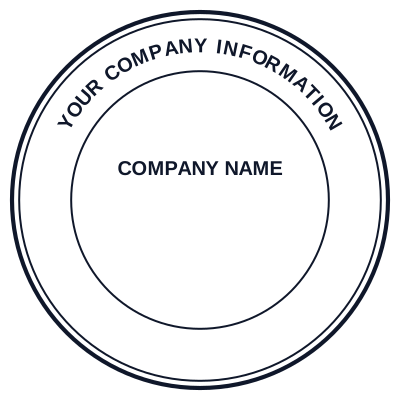
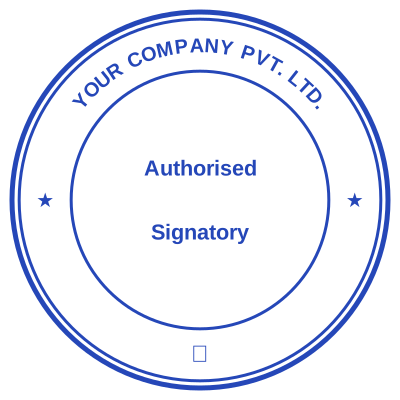


Open the stamp maker with any of these
Every preview on this page carries a faint Estamplab watermark. Your own download does not: the editor renders your stamp again, clean, as a transparent PNG, an SVG or a PDF. See the full template library.
When to use Consultant stamp
- Reports and deliverables
- Invoices and timesheets
- Proposals and scopes of work
- Signed-off recommendations
How to make Consultant stamp
- Open the stamp maker and pick the Consultant stamp template, or type your own wording.
- Choose the shape and ink colour, size it like a real stamp, and add a logo, a date or a number.
- Export a PNG or JPG for $1.50, or every format zipped for $3.00 including the editable Word file.
Frequently asked questions
Is the consultant stamp free?
Designing is free and unlimited. Downloading the consultant stamp is $1.50 for a single image, or $3.00 for every format at once. One payment either way, with no subscription attached.
Can I add a date to the consultant stamp?
Yes. Switch the date on and it sits inside the consultant stamp. Leave the date field empty and it fills itself in whenever the stamp is used, rather than freezing the day you designed it.
What format do I get?
Images on their own: transparent PNG, white PNG, JPG, and high-resolution versions of each. The pack adds the SVG, the print PDF and the Word file where the date and serial stay editable text.
Do I get a template or something I can edit?
You build it. The consultant stamp sample layouts are starting points rather than the product, so this is closer to a consultant stamp generator than a consultant stamp template. Adjust the consultant stamp design, build the consultant stamp online, preview at real size, then pay once. As a consultant stamp maker it charges nothing to try, and the consultant stamp price is $1.50 for a transparent consultant stamp png or $3.00 for the whole pack.