Watermark an Excel spreadsheet
Upload the .xlsx, choose the word, and every sheet comes back watermarked as it would print. Nothing is uploaded, and the working file is untouched.
Drop your PDF, Word or Excel file here
It is read in your browser. Nothing is uploaded, and there is no account to make.
Watermark an Excel spreadsheet templates, ready to edit


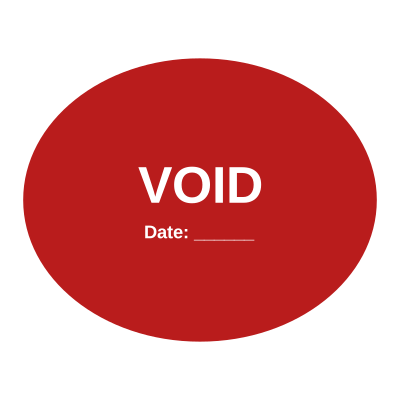
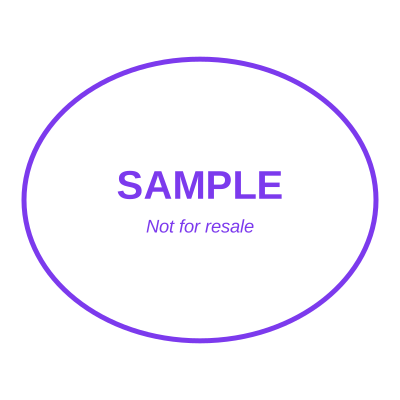

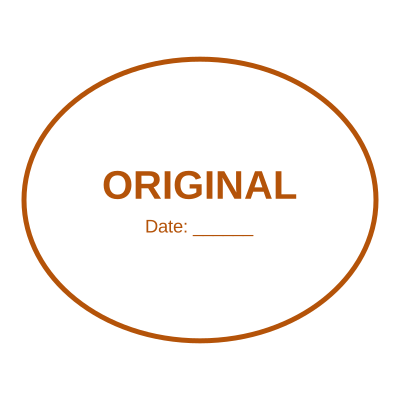
Open the stamp maker with any of these
Every preview on this page carries a faint Estamplab watermark. Your own download does not: the editor renders your stamp again, clean, as a transparent PNG, an SVG or a PDF. See the full template library.
Excel has no watermark feature. What it has is a header image, which is why every guide to this tells you to make a picture of the word DRAFT, put it in the header, and then fight with its position on every sheet. It half works, it looks wrong on landscape sheets, and it disappears in Normal view so nobody editing the file can see it is a draft at all.
What you get
- Every sheet at once, not one at a time, and not through the header.
- Laid out the way Excel would print the workbook: paper size, orientation, margins, column widths and repeated print titles all honoured.
- Landscape sheets stay landscape, and the watermark is sized against each page rather than one fixed size for all of them.
- Any word: DRAFT, CONFIDENTIAL, COPY, VOID, a client name or a version number.
- The formulas in your own file are untouched, because the file you keep is never modified.
- A company stamp can go on in the same pass, on the sheet that needs approving.
How to make it
- Open the tool and drop your PDF, Word or Excel file onto the page.
- Pick a stamp from your library, or design one in the pop-up designer.
- Click the page where the stamp goes, then drag it or resize it from the corner.
- Download the stamped copy. Your original file is never modified.
Questions
Does Excel have a watermark feature?
No, and that is why the usual advice is a workaround. The suggested route is Insert, Header and Footer, then a picture of the word, which puts a header image on one sheet at a time and is only visible in Page Layout view or in print. Watermarking the printed form of the workbook does the job the workaround is imitating.
What happens to my formulas?
Nothing happens to them, because your file is not modified. What you download is a new copy of the laid-out sheets with the watermark on them, and the working .xlsx stays exactly as it was, formulas and all.
Will the columns be cut off?
They will break where Excel would break them, which is the honest answer and the reason to check the page breaks before watermarking rather than after. A sheet that prints badly watermarks badly, and the fix is the same fix: set the print area, or switch it to landscape.
Can I watermark just one sheet?
The watermark is a property of the document, so it goes across all of them. If one sheet needs a different mark, a stamp is the right tool for that: it goes exactly where you put it, on the page you choose.
Can I get the .xlsx back rather than a PDF?
Yes. The download is offered as a PDF or as an .xlsx whose sheets are the finished pages, which matters when the file has to stay a workbook for whoever receives it.
Estamplab is a design tool. This page describes common commercial practice rather than giving legal, tax or financial advice, and practice changes. Where a specific document matters, check the requirement with the body receiving it. Only produce a mark your own organisation or your own credentials are entitled to use.