Add a company chop to an invoice, or a stamp to an invoice
Upload the invoice, place the chop where the signature block is, and download the stamped copy. It works on a PDF invoice, a Word one or a spreadsheet.
Drop your PDF, Word or Excel file here
It is read in your browser. Nothing is uploaded, and there is no account to make.
Add a company chop to an invoice, or a stamp to an invoice templates, ready to edit

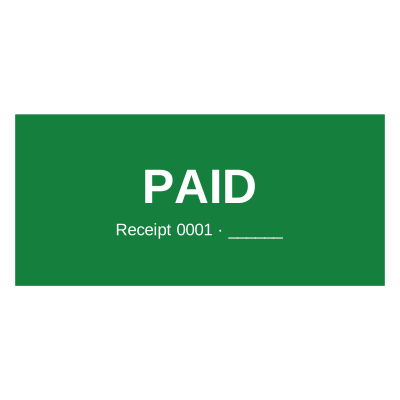
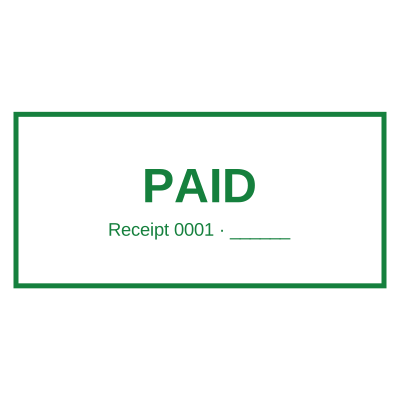

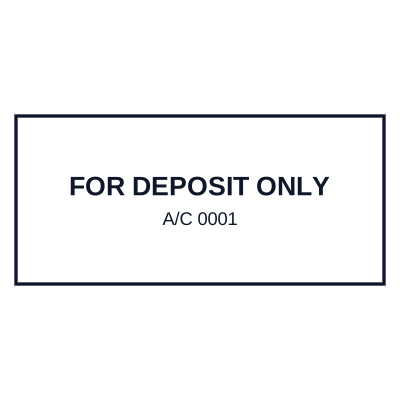
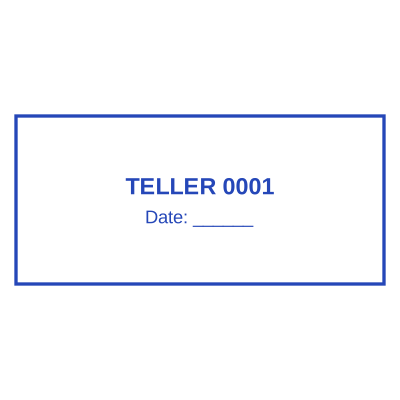
Open the stamp maker with any of these
Every preview on this page carries a faint Estamplab watermark. Your own download does not: the editor renders your stamp again, clean, as a transparent PNG, an SVG or a PDF. See the full template library.
An invoice with a chop on it is the version a customer forwards to their accounts department without asking a question. It is the difference between a document that looks generated and one that looks issued, and in a lot of markets it is what accounts payable is looking for before they will schedule a payment at all. The usual way to get one is to print, chop, scan and email a crooked grey photograph of a page. This puts the chop on the file itself, at full quality, in about a minute.
What you get
- Works on the invoice you already have: PDF, Word .docx or Excel .xlsx.
- The chop goes exactly where you put it, over the signature block or beside the total.
- Add the invoice date so the chop records when it was issued, not when the stamp was made.
- Add a serial number if your chop carries one, and it steps on by itself each time.
- The stamped copy has the chop as part of the page, so it cannot be dragged off and reused.
- Your original invoice is untouched, so the working copy stays editable.
How to make it
- Open the tool and drop your PDF, Word or Excel file onto the page.
- Pick a stamp from your library, or design one in the pop-up designer.
- Click the page where the stamp goes, then drag it or resize it from the corner.
- Download the stamped copy. Your original file is never modified.
Questions
Where should the chop go on an invoice?
Over or beside the signature block at the bottom, and clear of the totals so nothing is obscured. If your customer needs it near the invoice number instead, put it there: the position is yours, not fixed by the tool.
Should the chop overlap the signature?
Traditionally yes, slightly. A chop that overlaps a signature is harder to lift cleanly out of a scan and reuse, which is part of why it is done that way on paper. Place the signature image first, then drop the chop so it clips a corner of it.
Can I chop a run of invoices at once?
One at a time here, and for a monthly run the bulk service takes the batch instead. Tell it where the chop goes and it comes back with the whole set stamped.
Does the invoice need the date on the chop?
It does not need one, but a dated chop answers "when was this issued" without anybody reading the header. The date is written into the stamp before it is applied, so it is the day you actually stamped it.
Will the customer be able to edit the invoice afterwards?
Not the stamped copy. The chop is part of the page rather than a picture sitting on it, so there is nothing to select, drag off, or lift out.
Estamplab is a design tool. This page describes common commercial practice rather than giving legal, tax or financial advice, and practice changes. Where a specific document matters, check the requirement with the body receiving it. Only produce a mark your own organisation or your own credentials are entitled to use.