How to stamp an invoice as PAID online
Upload the invoice, drop a PAID stamp with the date of payment on it, and download the stamped copy. No printer, no scanner, no account.
Drop your PDF, Word or Excel file here
It is read in your browser. Nothing is uploaded, and there is no account to make.
How to stamp an invoice as PAID online templates, ready to edit
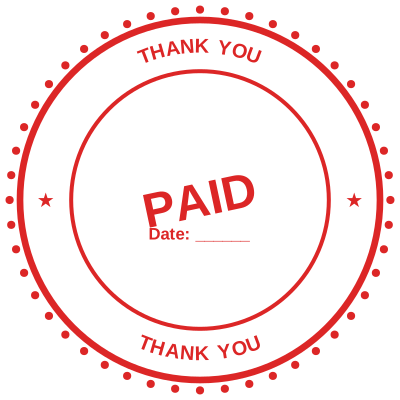

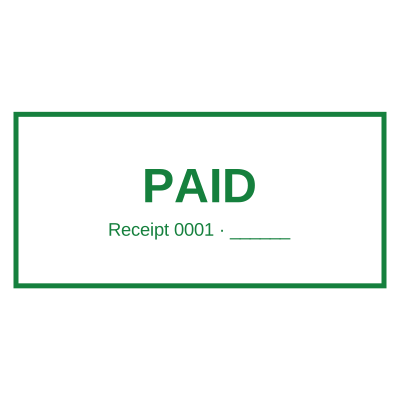
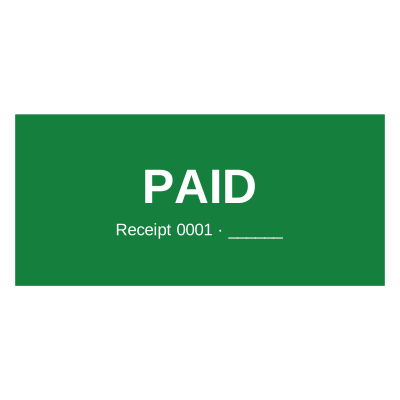
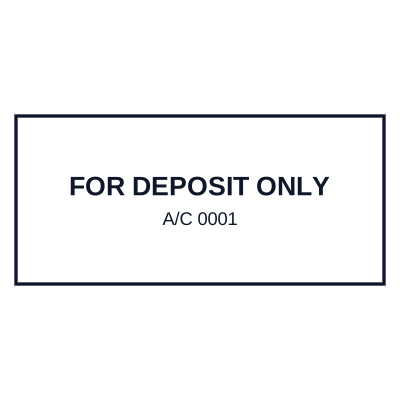
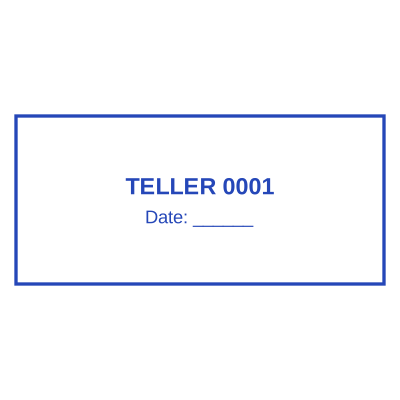
Open the stamp maker with any of these
Every preview on this page carries a faint Estamplab watermark. Your own download does not: the editor renders your stamp again, clean, as a transparent PNG, an SVG or a PDF. See the full template library.
The paid stamp is the one that actually gets used, because it is the one the customer asks for. They want the invoice back marked, so their own books show it settled, and they want it today. The usual route is print, stamp, scan, email, which takes ten minutes and produces a grey photocopy of a clean document. Uploading it and putting the stamp exactly where you want it takes under a minute and the copy that comes back is as sharp as the one that went in.
What you get
- The date on the stamp is the date of payment, filled in automatically, so the copy records when it was settled rather than when you got round to it.
- Drop it where a paid stamp belongs, over the total or across the header, by clicking the page rather than describing a corner.
- Your original invoice is never modified. The stamped copy is a new file and the one you uploaded is untouched.
- The file is opened and stamped inside your browser and never uploaded to a server, which matters when the document carries a customer name and an amount.
- Works on the PDF your accounting software exported, and on a Word invoice.
- Add a payment reference or a receipt number under PAID, so the stamp answers "paid how" as well as "paid".
How to make it
- Open the tool and drop your PDF, Word or Excel file onto the page.
- Pick a stamp from your library, or design one in the pop-up designer.
- Click the page where the stamp goes, then drag it or resize it from the corner.
- Download the stamped copy. Your original file is never modified.
Questions
What should a PAID stamp on an invoice say?
PAID, the date, and usually a reference: a receipt number, a payment method, or the bank reference. The date is the part that matters, because an invoice marked PAID with no date does not tell anybody when the clock stopped. Some finance teams add the initials of whoever confirmed it.
Can I stamp an invoice that came as a PDF I cannot edit?
Yes. That is the normal case. The stamp is drawn onto the page rather than typed into it, so a locked or flattened PDF, an export from accounting software, or a scan all take a stamp the same way.
Does a PAID stamp prove payment?
It records it, which is not the same thing. Proof of payment is the bank record or the receipt. The stamp is what makes the state of the invoice obvious at a glance to the person filing it, which is why it is still worth putting on.
Can I do a whole batch of invoices at once?
One at a time here, and for a run of them there is a bulk service: send the batch and get them back stamped. Ask through the corporate request form and say how many and how often.
What does it cost to stamp one invoice?
Two dollars for the stamped file, paid with an email address and no account, or nothing at all on a plan. Designing the stamp and placing it are free, and you only pay at the point where you download the finished document.
Estamplab is a design tool. This page describes common commercial practice rather than giving legal, tax or financial advice, and practice changes. Where a specific document matters, check the requirement with the body receiving it. Only produce a mark your own organisation or your own credentials are entitled to use.
Related
- PAID stamp generator with the date of payment
- How to add a stamp to a PDF, for free
- Add a rubber stamp to a PDF
- Bulk stamp PDF documents, Word files and spreadsheets
- Add a company chop to an invoice, or a stamp to an invoice
- Advocate stamp format, with a template you can edit
- Certified translator stamp maker
- Shop drawing and submittal approval stamp maker
- Rubber stamp effect generator: turn an image into a stamp
- Online stamp creator
- Sole proprietorship stamp sample and format
- Stamp paper is not a rubber stamp, and we do not make it
- Medallion signature guarantee: why it is not a stamp
- Is it legal to make a company stamp yourself?
- What is a company seal, and do you still need one?
- Custom stamps: what to order, and when you do not need to