Stamp maker
A stamp maker is a tool that draws the face of a stamp: the ring, the border, the curved text around it and whatever sits in the middle. What comes out is a picture with a transparent background, so it can go on a document without a white box behind it. Nothing is manufactured, which is the difference between this and a stamp shop.
Templates you can start from

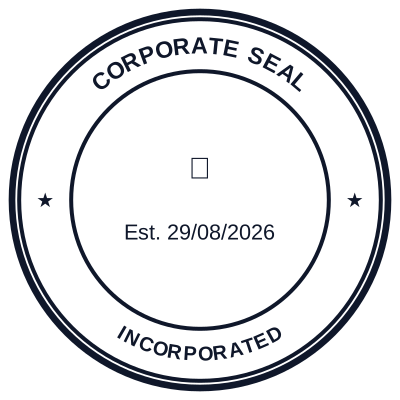


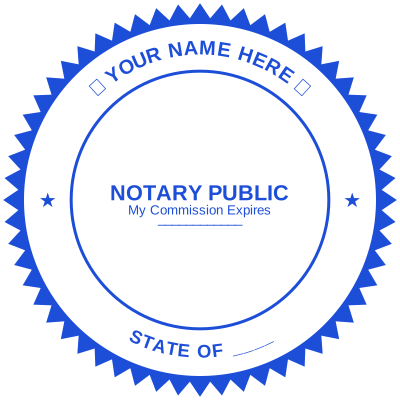

How to make it
- Pick a shape: round, oval, rectangle, octagon or triangle.
- Type the wording. Text on a circle curves automatically, top and bottom.
- Set the colour, the border weight and the size in millimetres.
- Download it as a PNG, an SVG, a PDF or a Word file.
What you get
- Round, oval, rectangular, octagonal and triangular faces
- Curved ring text, top arc and bottom arc
- A date or a serial number that fills itself in
- Transparent background on every image format
What a stamp maker cannot do
It cannot give you an impression in ink on paper, and it cannot make a mark mean something it did not mean before. A stamp carries authority because of who is entitled to apply it, not because of how the ring is drawn. If you are not entitled to issue the mark, a well drawn version of it is worth nothing and may be worth less than nothing.
Questions
Is it free to use?
Designing and previewing costs nothing and needs no account. You pay once when you download a file: $1.50 for a single format, $4.00 for every format in one zip. There is no subscription.
What size should the stamp be?
Round company stamps are usually 38mm to 42mm across. Rectangular address and endorsement stamps run 38mm to 58mm wide. The size box takes millimetres so the file comes out at the real dimension rather than at whatever the screen happened to show.
Estamplab is a design tool. This page describes common commercial practice rather than giving legal advice, and practice changes. Where a specific document matters, check the requirement with the body receiving it. Only produce a mark your own organisation or your own credentials are entitled to use.