CPA seal maker for an accountant stamp
A CPA seal maker for laying out a certified public accountant stamp: name, certificate number and state, in the round form most state boards expect.
CPA seal maker for an accountant stamp templates, ready to edit




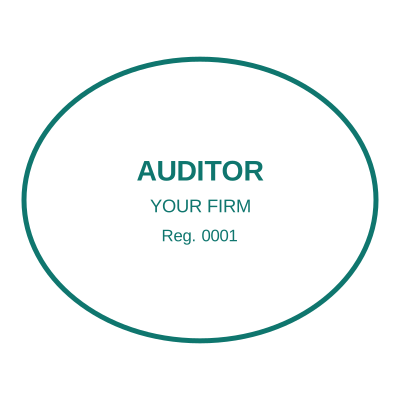
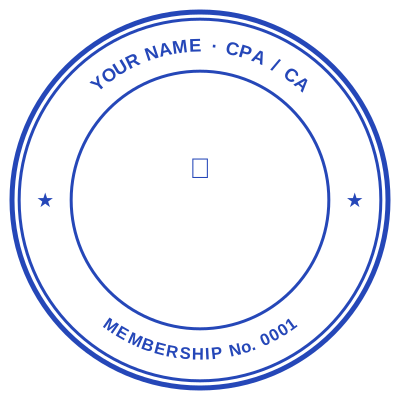
Open the stamp maker with any of these
Every preview on this page carries a faint Estamplab watermark. Your own download does not: the editor renders your stamp again, clean, as a transparent PNG, an SVG or a PDF. See the full template library.
What a CPA seal says
[Your name as licensed]
CERTIFIED PUBLIC ACCOUNTANT
Licence No. ______________
[State or jurisdiction of licensure]
This is the usual content, and the exact wording, shape and size are set by the state board or institute that licensed you rather than by convention. Several boards publish a specification down to the diameter. Work from your own board's rule, and only produce a seal for a licence you actually hold: a seal asserting a licence is a professional representation, not a design choice.
Accountancy is one of the professions where the stamp is doing identification rather than decoration, and where a state board rather than convention decides what goes on it. This lays out the usual arrangement, a ring carrying the state and the words CERTIFIED PUBLIC ACCOUNTANT with the name and certificate number in the middle, and hands you the file.
What you get
- Round is the common form, with the state name curved around the top and the designation around the bottom.
- Certificate or licence number set as its own line, so it stays legible at the size a seal is actually used.
- A transparent PNG for reports issued as PDFs, and a print-ready file if you also want a physical die cut.
- The Word download keeps the number as text, which matters when a certificate is renewed.
- Design and preview free, with no account, and pay once when you want the file.
How to make it
- Open the stamp maker and pick a shape, or start from a template.
- Type your wording, then set the colour, border and size.
- Add the date, time, serial number or logo, and position each one.
- Preview it live, then download. Designing and previewing are free.
Questions
What goes on a CPA seal?
Usually the accountant name as certified, the certificate or licence number, the state, and the words "certified public accountant". State boards of accountancy set the specifics and they differ, so check yours before relying on a layout.
Do all states require a CPA seal?
No. Some require one on particular reports, some make it optional, and some have dropped it. This is a design tool rather than a guide to any state rule, so treat the requirement as a question for your board.
Can I use it on a PDF report?
Yes, that is the usual case now. Download a transparent PNG and place it, or use the stamp on a PDF tool. Where the report has to be signed as well, the signing method is what binds it to the document.
Estamplab is a design tool. This page describes common commercial practice rather than giving legal, tax or financial advice, and practice changes. Where a specific document matters, check the requirement with the body receiving it. Only produce a mark your own organisation or your own credentials are entitled to use.
Related
- Architect stamp maker for a licensed seal
- Financial stamp maker for accounts, banking and audit
- Is a signature stamp legal, and do I need a company stamp?
- Stamp vs seal: the difference between a stamp and a seal
- Medical seal maker, for doctors, clinics and practitioners
- Notary seal maker, and a custom notary embosser design