Official company seal maker
- 🔒 Free to design, no signup
- 🔒 Transparent PNG and SVG export
- 🔒 Serial numbers on saved stamps
- 🔒 Works on any device
An official company seal carries your registered company name curved around the ring, usually with the registration number and the year of incorporation. Build it here with the wording exactly as filed, then download a transparent PNG for documents or the pack for print.
Official company seal maker templates, ready to edit
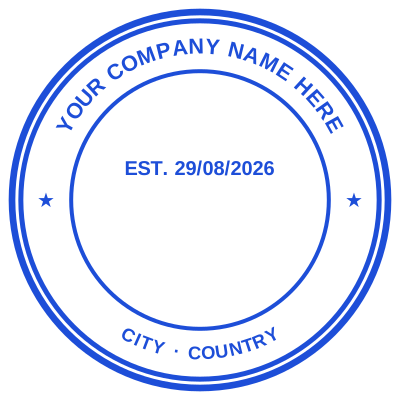
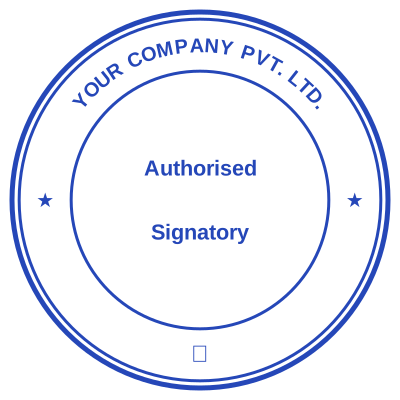
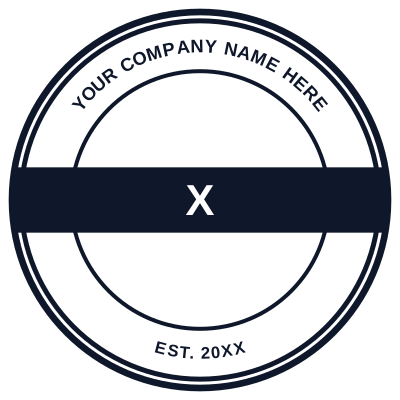


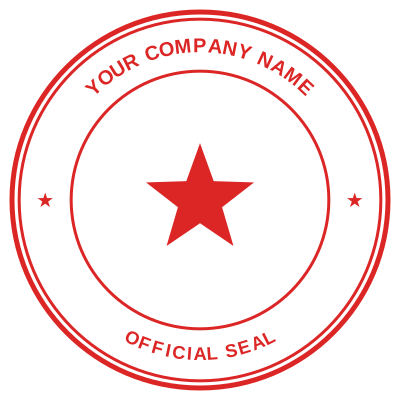
Open the stamp maker with any of these
Every preview on this page carries a faint Estamplab watermark. Your own download does not: the editor renders your stamp again, clean, as a transparent PNG, an SVG or a PDF. See the full template library.
What you get
- Registered name curved around the ring
- Registration number and year of incorporation
- Triple ring, milled and scalloped borders
- Transparent PNG for documents, SVG and PDF in the pack
Official company seal maker
- Open the stamp maker and pick a shape, or start from a ready-made template.
- Choose the shape and ink colour, size it like a real stamp, and add a logo, a date or a number.
- Preview it live as you edit. What you see is exactly what the file contains.
- Download it: a transparent PNG for documents, or the pack for the SVG, the PDF and the Word version.
Frequently asked questions
What must appear on an official company seal?
Normally the registered company name exactly as filed, and commonly the registration number and year of incorporation. Some jurisdictions expect the registered office or the words "Common Seal". Use the name exactly as registered: a seal reading "Estamplab Trading" for "Estamplab Trading Limited" invites the objection you made it to avoid.
Is a company seal legally required?
It depends where you are. The UK made it optional in 2006 and several jurisdictions followed. Across much of Africa, South Asia, the Gulf and East Asia it is still expected on commercial contracts. Our glossary covers the split by country.
Is the stamp maker free?
Designing and previewing a an official company seal is free, with no account and no watermark on the preview. The file is the paid part: $1.50 for a PNG or JPG, or $3.00 for every format in one zip, paid once.
Do I need to install an app?
Nothing to install. The an official company seal is built and rendered in your browser, so it works the same on iOS, Android, Windows and macOS.
Can I put the stamp on a PDF?
Yes. Take the transparent PNG and place the an official company seal in whichever PDF editor you already use. Because the background is transparent rather than white, the text underneath still shows around it.
Can each stamp carry its own number?
Save an official company seal to your library and it gets its own counter. Tick the numbering option at download and that file takes the next number in the sequence, incremented under a row lock, so two tabs or two devices cannot be handed the same one.
Can I design my own, or pick from templates?
Both, in the order that helps. Open a official company seal sample as a layout, then use the official company seal generator rather than a fixed official company seal template, because the wording, shape and spacing are yours. Making a official company seal online is free; the official company seal price is $1.50 for a official company seal png and $3.00 for the full set, and the official company seal design stays editable after. It is a official company seal maker, not a download.