Stamp maker app, make a stamp in your browser
- 🔒 Free to design, no signup
- 🔒 Transparent PNG and SVG export
- 🔒 Serial numbers on saved stamps
- 🔒 Works on any device
You don't need to download an app to make a stamp. This browser-based stamp maker works on iPhone, Android, Mac and Windows, pick a shape, type your text, style it, and download a crisp transparent stamp in seconds. Nothing to install, nothing to sign up for to get started.
Stamp maker app, make a stamp in your browser templates, ready to edit



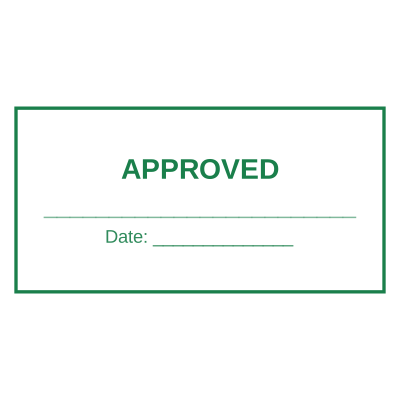

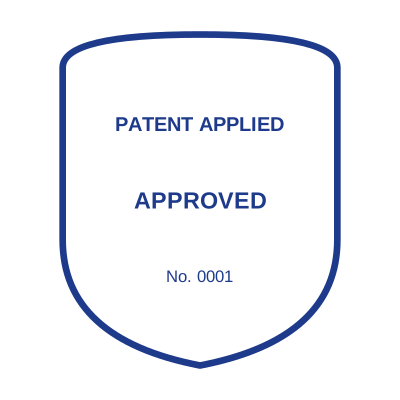
Open the stamp maker with any of these
Every preview on this page carries a faint Estamplab watermark. Your own download does not: the editor renders your stamp again, clean, as a transparent PNG, an SVG or a PDF. See the full template library.
What you get
- Works on iPhone, Android, Mac and Windows
- No App Store or Play Store download
- Round, oval, rectangle, octagon and triangle shapes
- Transparent PNG/SVG output you can reuse anywhere
Stamp maker app, make a stamp in your browser
- Open the stamp maker and pick a shape, or start from a ready-made template.
- Decide the outline and the colour first, size it to match the paperwork, then add the changing lines.
- Preview it live as you edit. What you see is exactly what the file contains.
- Download the PNG for everyday use, or the pack when the SVG and PDF are going to matter later.
Frequently asked questions
Is there an app to install?
No, it runs entirely in your browser, so there is nothing to download or update. You can add the site to your home screen if you want an app-like icon, but the full stamp maker works straight from the web.
Is there a stamp maker for iPhone, Android, Mac or Windows?
There is no app to install on any of them, which is the point. A stamp maker for iPhone and a stamp maker for Android are this page in the phone browser; a stamp maker for Mac and a stamp maker for Windows are this page on a desktop. The rendering happens on your device either way, so the stamp is identical whichever one you started on.
Is the stamp maker free?
You can design a the stamp maker app and look at it as long as you want without paying or signing up. Downloading costs $1.50 for a PNG or JPG, or $3.00 for the pack with the vector and document formats in it.
Do I need to install an app?
No app, no plugin, no extension. Everything happens in the page you are already on, which is also why the design never leaves your device until you save it.
Can I put the stamp on a PDF?
Yes, and the transparent background is the reason it looks right: a stamp on a white background covers the line underneath it with a white box.
Can each stamp carry its own number?
Save the stamp maker app to your library and it gets its own counter. Tick the numbering option at download and that file takes the next number in the sequence, incremented under a row lock, so two tabs or two devices cannot be handed the same one.
Template, or something I actually build?
A stamp maker app maker with samples to start from. A downloadable stamp maker app template locks you into whatever it was drawn at, whereas a stamp maker app design here changes whenever you need it to and the stamp maker app generator rebuilds it instantly. Create the stamp maker app online, and pay only for the file: the stamp maker app price is $1.50 for a stamp maker app png, $3.00 for everything, starting from any stamp maker app sample.
More ways to make a stamp
- Create a stamp online for PDF
- Free stamp maker, design a stamp free
- AI stamp maker, instant, template-driven stamps
- Free editable rubber stamp template, better than Word
- Online stamp editor, edit every detail of your stamp
- Stamp maker online free, no signup
- Open the stamp maker, the free builder
- Compare online stamp makers