Portable stamp: your company stamp on your phone
A portable stamp is your company stamp saved to your account and reachable from any device, so you can stamp a document from a phone without the physical stamp being anywhere near you.
Portable stamp: your company stamp on your phone templates, ready to edit

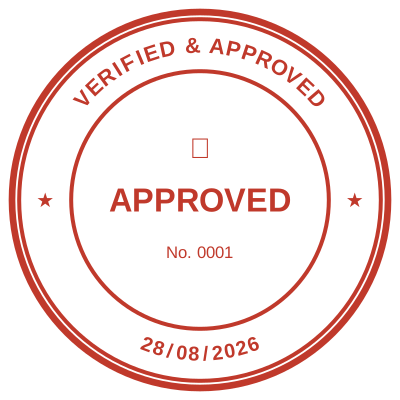



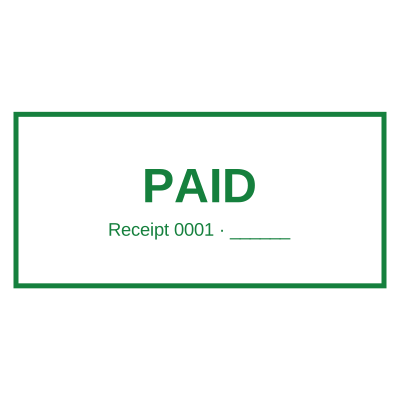
Open the stamp maker with any of these
Every preview on this page carries a faint Estamplab watermark. Your own download does not: the editor renders your stamp again, clean, as a transparent PNG, an SVG or a PDF. See the full template library.
The problem with a physical stamp is that it is in one place, and that place is usually not where you are. It is in the office when you are at a client, in your bag when it is at home, and in the drawer of somebody who is on leave. A portable stamp removes the geography from the problem: the stamp lives in your account, and the document gets stamped wherever you happen to be reading it.
What you get
- Saved to your account, so it is on your phone, your laptop and the machine in the office without being copied around.
- No bag, no ink pad, no stamp that dries out between uses.
- The date fills itself in, so a stamp used on site records the day it was used.
- Nothing to lose. A physical stamp that goes missing is a real problem, because whoever has it can use it.
- One stamp for the whole team, or one each with its own serial counter.
- Works on the PDF that arrived by email and on the photo of a delivery note.
How to make it
- Open the stamp maker and pick a shape, or start from a template.
- Type your wording, then set the colour, border and size.
- Add the date, time, serial number or logo, and position each one.
- Preview it live, then download. Designing and previewing are free.
Questions
Is a portable stamp the same as a pocket stamp?
No, and the difference is the point. A pocket stamp is a small physical stamp you carry, which still has to be carried, still runs out of ink, and can still be picked up by somebody else. A portable stamp is the impression itself, held in your account, so there is nothing physical to carry or lose.
Can I use it on my phone?
Yes. Design it once on any device and it is there on the others. Stamping a document from a phone takes the same three taps as from a laptop.
What if I lose my phone?
The stamp is in your account, not on the device, so a new phone signs in and the stamp is there. That is the opposite of a physical stamp, where losing it means somebody else can use it.
Can two people share one company stamp?
Yes, and for a small firm that is usually right. For anything that needs to be traceable afterwards, give each person their own stamp with its own serial counter, so the number on the document says who applied it.
Do I need an account for this?
For a stamp that follows you between devices, yes, that is what the account is. Stamping a single document without one works too, it just will not be saved for next time.
Estamplab is a design tool. This page describes common commercial practice rather than giving legal, tax or financial advice, and practice changes. Where a specific document matters, check the requirement with the body receiving it. Only produce a mark your own organisation or your own credentials are entitled to use.