Oval stamp maker online
- 🔒 Free to design, no signup
- 🔒 Transparent PNG and SVG export
- 🔒 Serial numbers on saved stamps
- 🔒 Works on any device
An oval gives you what a circle cannot: horizontal room. A long company name that has to be squeezed illegibly into a round seal often sits comfortably across an oval, which is why notaries and professional bodies in several countries use them by convention.
Oval stamp maker online templates, ready to edit

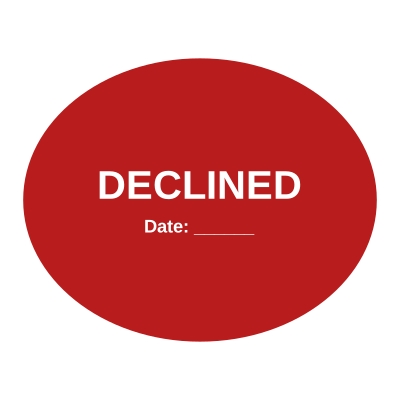

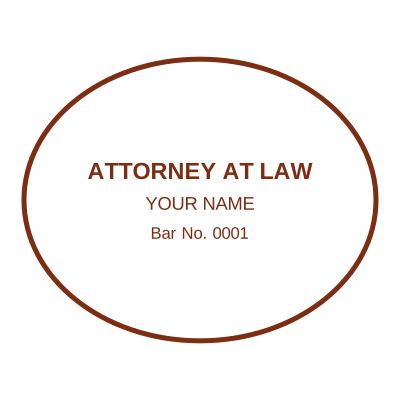
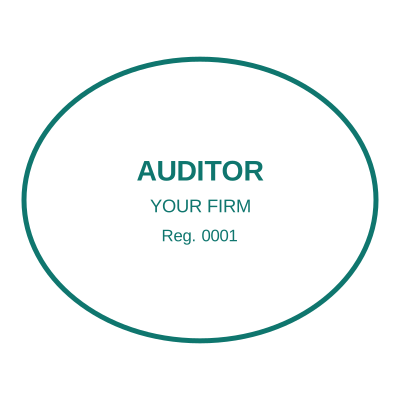

Open the stamp maker with any of these
Every preview on this page carries a faint Estamplab watermark. Your own download does not: the editor renders your stamp again, clean, as a transparent PNG, an SVG or a PDF. See the full template library.
What you get
- More horizontal room than a circle for the same height
- Curved text top and bottom, following the ellipse
- Centre lines that stay straight and readable
- Standard notary proportions, roughly 25 by 45mm
Oval stamp maker online
- Open the stamp maker and pick a shape, or start from a ready-made template.
- Size it, colour it, pick a border, and put the logo, date or serial exactly where you want them.
- Preview it live as you edit. What you see is exactly what the file contains.
- One image format is $1.50. The zip at $3.00 adds the vector, the print PDF and the Word file.
Frequently asked questions
When is an oval better than a circle?
When the wording is long. Text curves around an ellipse with more room per line, so a name that gets cramped in a round seal usually reads cleanly in an oval at the same height.
Do oval seals have a standard size?
Notary seals in several US states are conventionally around 25 by 45mm. Outside that there is no standard, so match whatever the receiving body expects.
Can I put a logo in an oval stamp?
Yes, in the centre with the text curving around it. An oval centre is wider than it is tall, so a horizontal logo fits better than a square one.
Is the stamp maker free?
Free until you want the file. The an oval stamp previews at full quality with nothing over it, and only the download is charged: $1.50 for one image format, $3.00 for all of them zipped.
Do I need to install an app?
None. Open the page and start typing. The an oval stamp is drawn in the browser, so there is no download before the download.
Can I put the stamp on a PDF?
The an oval stamp exports as a transparent PNG, which every PDF editor can place. The pack also includes an SVG, which stays sharp if the page is going to print at size.
Can each stamp carry its own number?
Save an oval stamp to your library and it gets its own counter. Tick the numbering option at download and that file takes the next number in the sequence, incremented under a row lock, so two tabs or two devices cannot be handed the same one.
Do I get a template or something I can edit?
Neither a static oval stamp template nor a stock image: a oval stamp generator you drive, and a oval stamp maker in the sense that matters, which is that nothing is fixed. Choose a oval stamp sample layout, rework the oval stamp design, build the oval stamp online and download when it looks right. The oval stamp price is $1.50 for a single oval stamp png or $3.00 for every format zipped.