Church stamp and seal for parish records
A church stamp goes on the records a parish is asked for years later: baptism and marriage certificates, membership letters and transfer notes, often produced for an immigration file or a school application decades after the event.
Church stamp templates, ready to edit
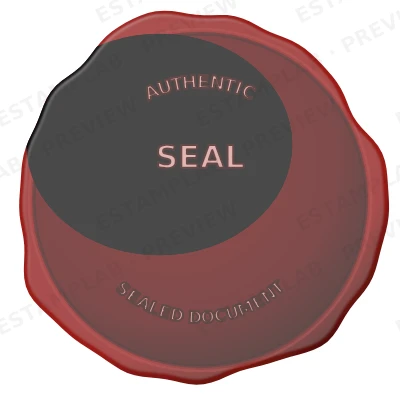
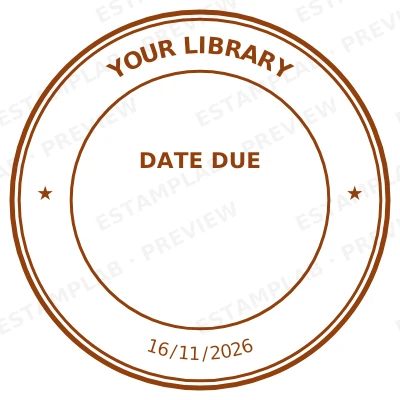

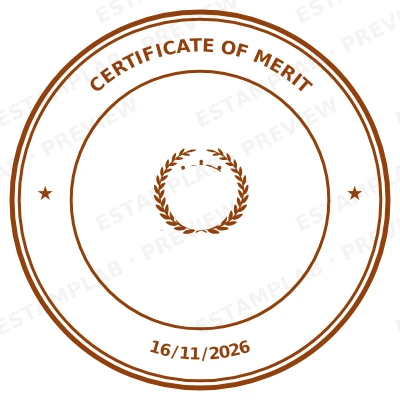
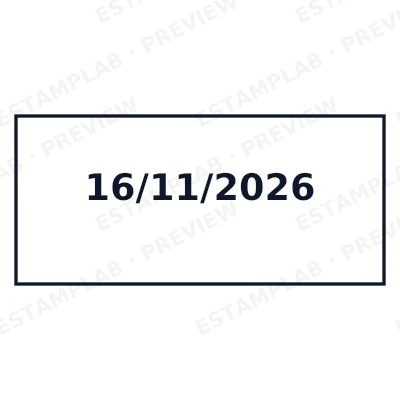
Open the stamp maker with any of these
Every preview on this page carries a faint Estamplab watermark. Your own download does not: the editor renders your stamp again, clean, as a transparent PNG, an SVG or a PDF. See the full template library.
When to use Church stamp
- Baptism and confirmation certificates
- Marriage records and banns
- Membership and transfer letters
- Parish correspondence
How to make Church stamp
- Open the stamp maker and pick the Church stamp template, or type your own wording.
- Size it, colour it, pick a border, and put the logo, date or serial exactly where you want them.
- Download it: a transparent PNG for documents, or the pack for the SVG, the PDF and the Word version.
How to put a church stamp on a PDF
Export the church stamp as a transparent PNG, then in Acrobat choose Edit PDF, then Add Image, and drop it where it belongs. Drag a corner to size it and flatten the file afterwards so it cannot be moved by whoever receives it. The transparent background is what stops a white rectangle appearing over the text underneath.
What size should a church stamp be?
Text is the limit, not the shape. Every line you add to a church stamp makes the rest smaller, and letters below roughly 6pt at true size stop surviving a scan or a fax. Three to five lines is the practical ceiling on a 40 mm mark.
What a church stamp does not prove
The organisation receiving the document decides whether a church stamp is acceptable, and practice varies more than people expect. For invoices, internal approvals and routine correspondence an image is widely accepted. For deeds, filings and anything going to a court or a registry, confirm before you rely on it.
Frequently asked questions
Is the church stamp free?
Designing and previewing a church stamp is free, with no account and no watermark on the preview. The file is the paid part: $1.50 for a PNG or JPG, or $3.00 for every format in one zip, paid once.
Can I add a date to the church stamp?
The church stamp takes a date, a time and a serial number, in any combination. An empty date fills itself in at download; a typed one is treated as a deliberate record and left alone.
Is the church stamp a PNG, or can I get a vector too?
A transparent PNG for dropping onto documents, plus a white-background PNG and a JPG. The $3.00 pack adds an SVG, a print-ready PDF and a Word file that keeps the date and serial as text you can retype.
Can I design my own church stamp, or pick from templates?
Both, in the order that helps. Open a church stamp sample as a layout, then use the church stamp generator rather than a fixed church stamp template, because the wording, shape and spacing are yours. Making a church stamp online is free; the church stamp price is $1.50 for a church stamp png and $3.00 for the full set, and the church stamp design stays editable after. It is a church stamp maker, not a download.
What goes on a church stamp?
The name of the church, the denomination or diocese, and the town. Because these records are read long afterwards by people with no local knowledge, the place name is worth more than the design is.