QC PASSED and INSPECTED stamp maker
A quality control stamp marks a unit, a batch record or an inspection sheet as checked, and it has to carry who checked it and when or it says nothing an auditor can use.
Quality control stamp templates, ready to edit


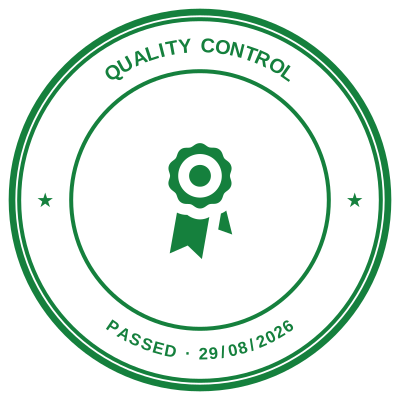

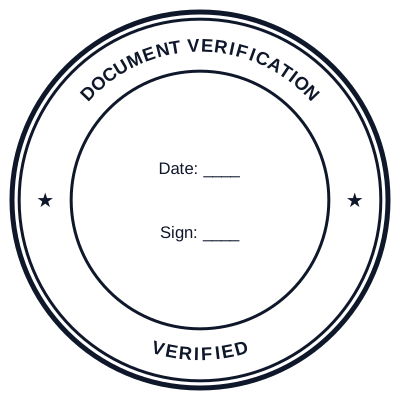

Open the stamp maker with any of these
Every preview on this page carries a faint Estamplab watermark. Your own download does not: the editor renders your stamp again, clean, as a transparent PNG, an SVG or a PDF. See the full template library.
When to use Quality control stamp
- QC PASSED and INSPECTED marks
- Batch and production records
- Incoming goods inspection
- Release-to-dispatch approvals
How to make Quality control stamp
- Open the stamp maker and pick the Quality control stamp template, or type your own wording.
- Size it, colour it, pick a border, and put the logo, date or serial exactly where you want them.
- Download a single image format, or the zip with the SVG and print-ready PDF alongside it.
Frequently asked questions
Is the quality control stamp free?
Free until you want the file. The quality control stamp previews at full quality with nothing over it, and only the download is charged: $1.50 for one image format, $3.00 for all of them zipped.
Can I add a date to the quality control stamp?
Yes. Switch the date on and it sits inside the quality control stamp. Leave the date field empty and it fills itself in whenever the stamp is used, rather than freezing the day you designed it.
What format do I get?
Single formats are the images: a transparent PNG, a white-background PNG or a JPG. The vector and document versions of the quality control stamp, meaning SVG, PDF, EPS and Word, come with the all-formats pack.
Can I design my own, or pick from templates?
Both, in the order that helps. Open a quality control stamp sample as a layout, then use the quality control stamp generator rather than a fixed quality control stamp template, because the wording, shape and spacing are yours. Making a quality control stamp online is free; the quality control stamp price is $1.50 for a quality control stamp png and $3.00 for the full set, and the quality control stamp design stays editable after. It is a quality control stamp maker, not a download.
What should a QC stamp show?
The mark itself, an inspector reference and a date. QC records are audited by sampling, and the sample is only meaningful if each mark ties to a person and a day, which is why an auto-filling date is worth more here than a nicer border.