Free CANCELLED stamp for documents
A CANCELLED stamp kills a document that has already been issued and may be circulating, which is why it is normally applied large and across the face rather than tucked in a corner.
Cancelled stamp templates, ready to edit
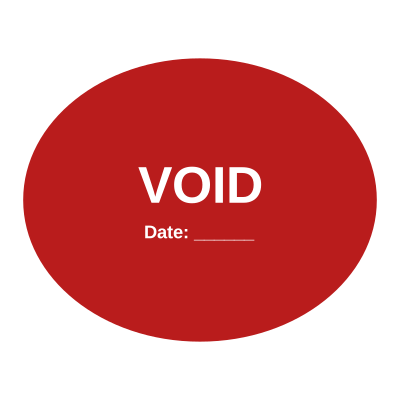



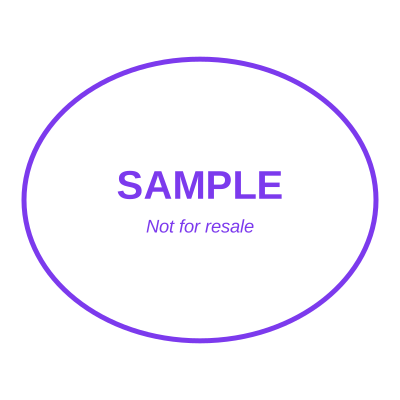
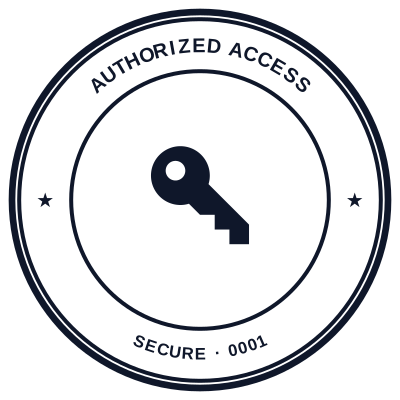
Open the stamp maker with any of these
Every preview on this page carries a faint Estamplab watermark. Your own download does not: the editor renders your stamp again, clean, as a transparent PNG, an SVG or a PDF. See the full template library.
When to use Cancelled stamp
- Cancelled orders and invoices
- Withdrawn quotations
- Superseded bookings
- Terminated agreements
How to make Cancelled stamp
- Open the stamp maker and pick the Cancelled template, or type your own wording.
- Size it, colour it, pick a border, and put the logo, date or serial exactly where you want them.
- Download a single image format, or the zip with the SVG and print-ready PDF alongside it.
Frequently asked questions
Is the cancelled stamp free?
Designing and previewing a cancelled stamp is free, with no account and no watermark on the preview. The file is the paid part: $1.50 for a PNG or JPG, or $3.00 for every format in one zip, paid once.
Can I add a date to the cancelled stamp?
Add a date line anywhere on the cancelled stamp. If you type a date it stays put; if you leave it empty it becomes today's date each time the file is generated, which is usually what a dated stamp is for.
What format do I get?
A transparent PNG for dropping onto documents, plus a white-background PNG and a JPG. The $3.00 pack adds an SVG, a print-ready PDF and a Word file that keeps the date and serial as text you can retype.
Do I get a template or something I can edit?
Neither a static cancelled stamp template nor a stock image: a cancelled stamp generator you drive, and a cancelled stamp maker in the sense that matters, which is that nothing is fixed. Choose a cancelled stamp sample layout, rework the cancelled stamp design, build the cancelled stamp online and download when it looks right. The cancelled stamp price is $1.50 for a single cancelled stamp png or $3.00 for every format zipped.