Free POSTED stamp for ledger entries
A POSTED stamp says a document has been entered into the books, and the same stamp relabelled gives you a processed stamp, a cleared stamp, a settled stamp or a completed stamp, and it exists mainly to stop the same invoice being posted twice by somebody who could not tell.
Posted stamp templates, ready to edit



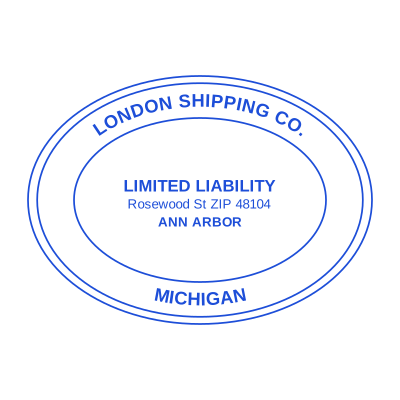

Open the stamp maker with any of these
Every preview on this page carries a faint Estamplab watermark. Your own download does not: the editor renders your stamp again, clean, as a transparent PNG, an SVG or a PDF. See the full template library.
When to use Posted stamp
- Invoices entered in the ledger
- Journals and vouchers processed
- Bank reconciliation items
- Month-end batches
How to make Posted stamp
- Open the stamp maker and pick the Posted template, or type your own wording.
- Size it, colour it, pick a border, and put the logo, date or serial exactly where you want them.
- One image format is $1.50. The zip at $3.00 adds the vector, the print PDF and the Word file.
Frequently asked questions
Is the posted stamp free?
Designing is free and unlimited. Downloading the posted stamp is $1.50 for a single image, or $3.00 for every format at once. One payment either way, with no subscription attached.
Can I add a date to the posted stamp?
Add a date line anywhere on the posted stamp. If you type a date it stays put; if you leave it empty it becomes today's date each time the file is generated, which is usually what a dated stamp is for.
What format do I get?
A transparent PNG for dropping onto documents, plus a white-background PNG and a JPG. The $3.00 pack adds an SVG, a print-ready PDF and a Word file that keeps the date and serial as text you can retype.
Can I design my own, or pick from templates?
Both, in the order that helps. Open a posted stamp sample as a layout, then use the posted stamp generator rather than a fixed posted stamp template, because the wording, shape and spacing are yours. Making a posted stamp online is free; the posted stamp price is $1.50 for a posted stamp png and $3.00 for the full set, and the posted stamp design stays editable after. It is a posted stamp maker, not a download.