DUPLICATE stamp for reissued documents, free to design
A DUPLICATE stamp says this is a reissue of something already provided, which protects you when the same invoice or receipt turns up twice in somebody else’s ledger.
Duplicate stamp templates, ready to edit



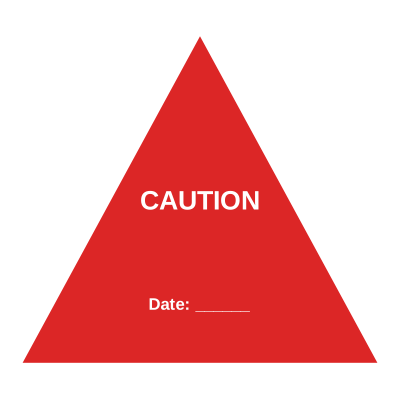
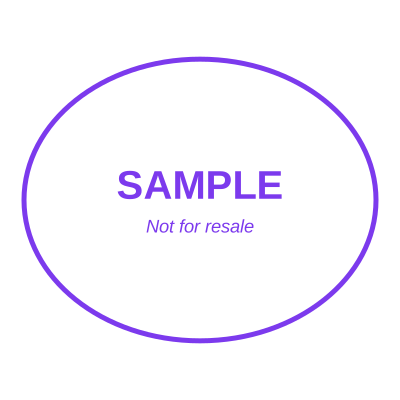

Open the stamp maker with any of these
Every preview on this page carries a faint Estamplab watermark. Your own download does not: the editor renders your stamp again, clean, as a transparent PNG, an SVG or a PDF. See the full template library.
When to use Duplicate stamp
- Reissued invoices and receipts
- Replacement certificates
- Second copies of records
- Reprints of lost documents
How to make Duplicate stamp
- Open the stamp maker and pick the Duplicate template, or type your own wording.
- Work through the shape, the border and the ink, then drop a logo into the centre and place the date.
- Export a PNG or JPG for $1.50, or every format zipped for $3.00 including the editable Word file.
How to put a duplicate stamp on a PDF
In Word, insert the duplicate stamp as a picture and then change the wrap to In Front of Text. That one setting is the whole problem: left as it is, Word treats the image as a very large character and pushes your paragraphs down the page. Once the wrap is changed it can be dragged anywhere, including over a signature line.
What size should a duplicate stamp be?
On A4, anything between 35 and 45 mm reads as a stamp that was pressed onto the page. Below about 30 mm the ring text stops being legible once the document is photocopied, and above about 50 mm the duplicate stamp starts competing with the content instead of marking it.
What a duplicate stamp does not prove
This produces an image. It is not an electronic signature in the legal sense: that is a cryptographic thing tied to verified identity, and it comes from an e-signature service. A duplicate stamp shows intent and identity to a human reader, which is what routine paperwork actually runs on, and it is worth knowing which of the two a document needs.
Frequently asked questions
Is the duplicate stamp free?
Designing is free and unlimited. Downloading the duplicate stamp is $1.50 for a single image, or $3.00 for every format at once. One payment either way, with no subscription attached.
Can I add a date to the duplicate stamp?
Yes. A date, a time, or both, positioned wherever they fit the duplicate stamp. An empty date field means "whenever this is used", so the impression records the real day.
What format do I get?
A transparent PNG for dropping onto documents, plus a white-background PNG and a JPG. The $3.00 pack adds an SVG, a print-ready PDF and a Word file that keeps the date and serial as text you can retype.
Can I design my own, or pick from templates?
Both, in the order that helps. Open a duplicate stamp sample as a layout, then use the duplicate stamp generator rather than a fixed duplicate stamp template, because the wording, shape and spacing are yours. Making a duplicate stamp online is free; the duplicate stamp price is $1.50 for a duplicate stamp png and $3.00 for the full set, and the duplicate stamp design stays editable after. It is a duplicate stamp maker, not a download.
Estamplab is a design tool. What a notarial or legal mark must carry is set by the authority that issued the commission or the appointment, and it differs sharply between jurisdictions, so check your own paperwork before relying on any layout here. This page describes common practice rather than giving legal advice. Only produce a mark you hold the authority to use: a stamp in the name of an office you do not hold is forgery.