URGENT stamp for documents, free to design
An URGENT stamp is a routing instruction rather than a record: it exists to move a document up somebody’s pile, so it wants to be the loudest thing on the page.
Urgent stamp templates, ready to edit
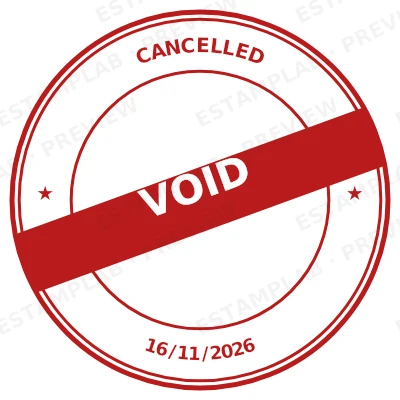
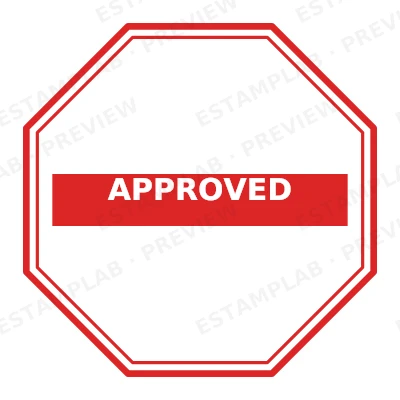
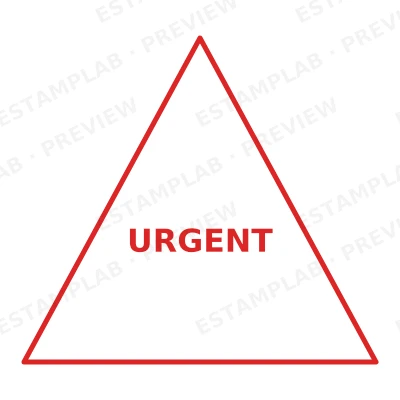
Open the stamp maker with any of these
Every preview on this page carries a faint Estamplab watermark. Your own download does not: the editor renders your stamp again, clean, as a transparent PNG, an SVG or a PDF. See the full template library.
When to use Urgent stamp
- Time-critical approvals
- Deadline-bound filings
- Escalated correspondence
- Priority despatch
How to make Urgent stamp
- Open the stamp maker and pick the Urgent template, or type your own wording.
- Adjust the shape, the colour and the diameter, then add a logo and any lines that have to change.
- Download a single image format, or the zip with the SVG and print-ready PDF alongside it.
How to put an urgent stamp on a PDF
In Bluebeam, Markup then Image places the urgent stamp, and the result behaves like any other markup until you flatten it. Flattening matters on anything going to a client or a reviewer: before it, the stamp is an object anybody can select and drag off the page.
What size should an urgent stamp be?
On A4, anything between 35 and 45 mm reads as a stamp that was pressed onto the page. Below about 30 mm the ring text stops being legible once the document is photocopied, and above about 50 mm the urgent stamp starts competing with the content instead of marking it.
What an urgent stamp does not prove
The organisation receiving the document decides whether a urgent stamp is acceptable, and practice varies more than people expect. For invoices, internal approvals and routine correspondence an image is widely accepted. For deeds, filings and anything going to a court or a registry, confirm before you rely on it.
Frequently asked questions
Is the urgent stamp free?
Designing and previewing an urgent stamp is free, with no account and no watermark on the preview. The file is the paid part: $1.50 for a PNG or JPG, or $3.00 for every format in one zip, paid once.
Can I add a date to the urgent stamp?
Yes. A date, a time, or both, positioned wherever they fit the urgent stamp. An empty date field means "whenever this is used", so the impression records the real day.
Is the urgent stamp a PNG, or can I get a vector too?
A transparent PNG is the one most people want, and it is available on its own. SVG, PDF, EPS and Word are pack-only, because a vector that rescales forever is not the same product as a flat image.
Do I get a fixed urgent stamp template, or something I can edit?
You build it. The urgent stamp sample layouts are starting points rather than the product, so this is closer to a urgent stamp generator than a urgent stamp template. Adjust the urgent stamp design, build the urgent stamp online, preview at real size, then pay once. As a urgent stamp maker it charges nothing to try, and the urgent stamp price is $1.50 for a transparent urgent stamp png or $3.00 for the whole pack.