Insurance stamp for claims and policy documents
An insurance stamp marks a claim as received or assessed and a policy document as issued, and because a claim is argued over dates, the date on the stamp does more work than the wording.
Insurance stamp templates, ready to edit
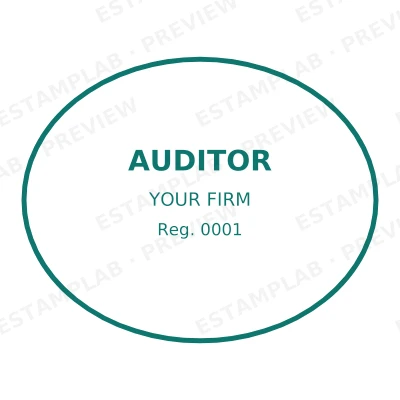

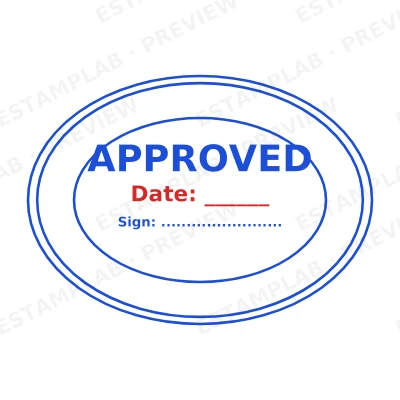

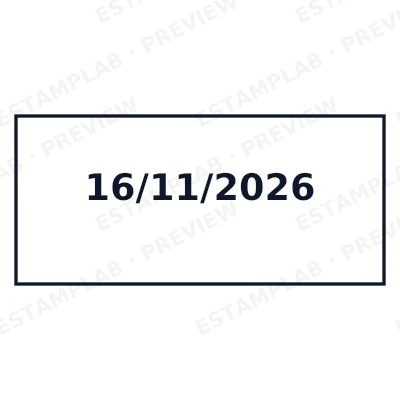
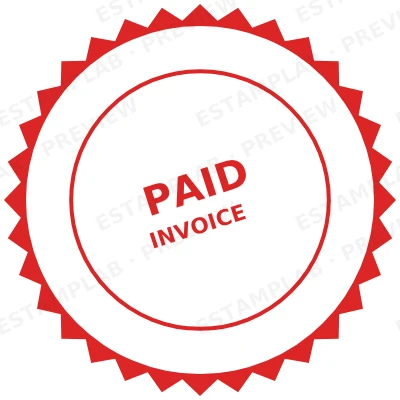
Open the stamp maker with any of these
Every preview on this page carries a faint Estamplab watermark. Your own download does not: the editor renders your stamp again, clean, as a transparent PNG, an SVG or a PDF. See the full template library.
When to use Insurance stamp
- Claims received and assessed
- Policy and endorsement documents
- Assessor and surveyor reports
- Settlement approvals
How to make Insurance stamp
- Open the stamp maker and pick the Insurance stamp template, or type your own wording.
- Pick the border style, set the colour, and place any date, time or serial line where it fits.
- Pick a PNG or a JPG on its own, or take everything at once including the retypable Word version.
How to put an insurance stamp on a PDF
You can skip the download entirely. Open the document stamping tool, drop the PDF, Word or Excel file in, and place the insurance stamp by clicking the page you want it on. The file is laid out as real pages in the browser, so you position the mark by looking at it rather than guessing at coordinates, and nothing is uploaded anywhere.
What size should an insurance stamp be?
For print, think in millimetres and export at print resolution; for a screen, think in pixels. A insurance stamp placed in a PDF at 40 mm needs roughly 470 pixels across at 300 dpi, which is why a small screenshot of a stamp always looks soft once it is printed.
What an insurance stamp does not prove
A insurance stamp is evidence that a document was processed, not proof of authority. What binds an organisation is a properly authorised signature, and in some places a witness or an execution clause as well. The mark makes a document read as executed; it does not replace the authority to execute it.
Frequently asked questions
Is the insurance stamp free?
There is no charge to make an insurance stamp, no account needed, and no watermark on what you see. The charge is for the file, $1.50 for one format or $3.00 for the complete set.
Can I add a date to the insurance stamp?
The insurance stamp takes a date, a time and a serial number, in any combination. An empty date fills itself in at download; a typed one is treated as a deliberate record and left alone.
Which formats is the insurance stamp available in?
A transparent PNG for dropping onto documents, plus a white-background PNG and a JPG. The $3.00 pack adds an SVG, a print-ready PDF and a Word file that keeps the date and serial as text you can retype.
Is this a insurance stamp maker, or just a insurance stamp template?
This is a free insurance stamp maker. Pick a insurance stamp sample for a head start or use the blank insurance stamp generator, then change every line of the insurance stamp design. Everything happens with the insurance stamp online in your browser. The insurance stamp price is per file rather than monthly, $1.50 for a insurance stamp png and $3.00 for the pack, and a insurance stamp template never enters into it.
Estamplab is a design tool. What a notarial or legal mark must carry is set by the authority that issued the commission or the appointment, and it differs sharply between jurisdictions, so check your own paperwork before relying on any layout here. This page describes common practice rather than giving legal advice. Only produce a mark you hold the authority to use: a stamp in the name of an office you do not hold is forgery.