Free COPY stamp for documents
Clearly mark a duplicate with a COPY stamp so it isn’t mistaken for the original.
Copy stamp templates, ready to edit
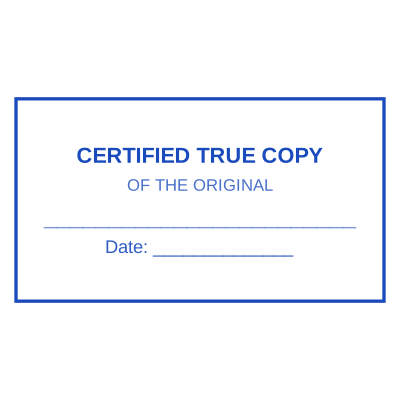

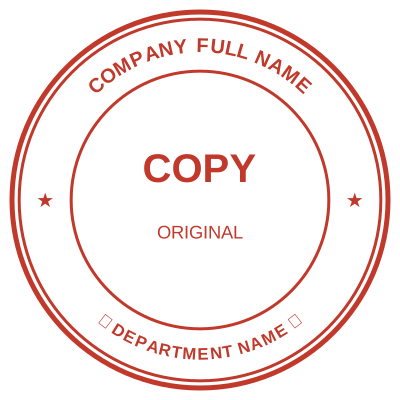
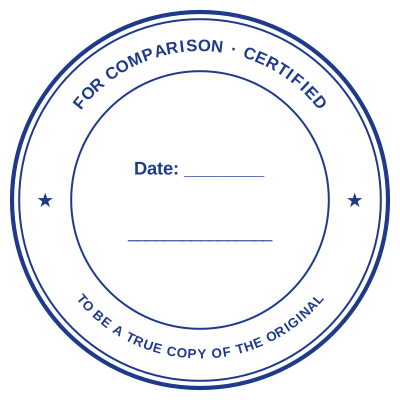
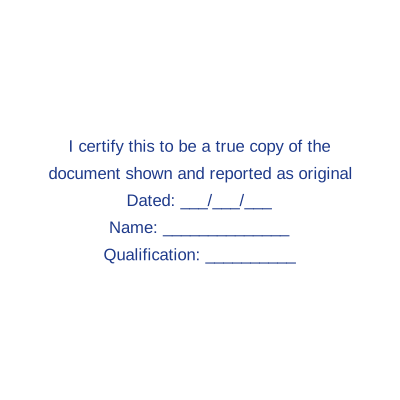
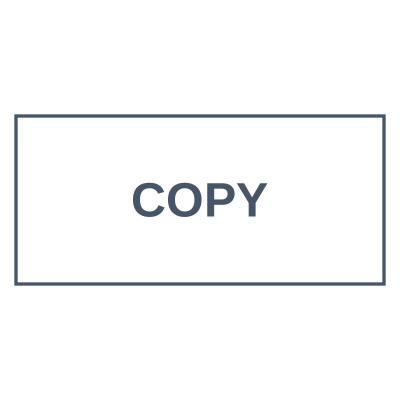
Open the stamp maker with any of these
Every preview on this page carries a faint Estamplab watermark. Your own download does not: the editor renders your stamp again, clean, as a transparent PNG, an SVG or a PDF. See the full template library.
When to use Copy stamp
- Duplicates and reprints
- File copies
- Distributed records
How to make Copy stamp
- Open the stamp maker and pick the Copy template, or type your own wording.
- Choose the shape and ink colour, size it like a real stamp, and add a logo, a date or a number.
- Export the image for documents, or the whole set if you also need it in print or in Word.
Frequently asked questions
Is the copy stamp free?
Designing is free and unlimited. Downloading the copy stamp is $1.50 for a single image, or $3.00 for every format at once. One payment either way, with no subscription attached.
Can I add a date to the copy stamp?
Add a date line anywhere on the copy stamp. If you type a date it stays put; if you leave it empty it becomes today's date each time the file is generated, which is usually what a dated stamp is for.
What format do I get?
You choose an image format for $1.50, or take everything zipped for $3.00. The pack is where the SVG and the PDF live, and where the Word version of the copy stamp keeps its date as real text.
Do I get a template or something I can edit?
You build it. The copy stamp sample layouts are starting points rather than the product, so this is closer to a copy stamp generator than a copy stamp template. Adjust the copy stamp design, build the copy stamp online, preview at real size, then pay once. As a copy stamp maker it charges nothing to try, and the copy stamp price is $1.50 for a transparent copy stamp png or $3.00 for the whole pack.