Free company seal generator
Design a round company seal with your company name, registration number and a centre mark, then download a transparent PNG or an SVG and place it in any PDF editor.
Company Seal templates, ready to edit
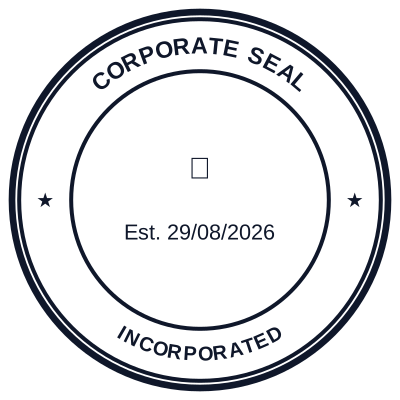


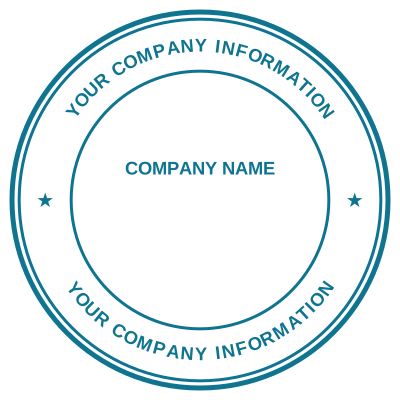


Open the stamp maker with any of these
Every preview on this page carries a faint Estamplab watermark. Your own download does not: the editor renders your stamp again, clean, as a transparent PNG, an SVG or a PDF. See the full template library.
When to use Company Seal
- Company resolutions
- Official letters and certificates
- Contracts requiring a seal
How to make Company Seal
- Open the stamp maker and pick the Company Seal template, or type your own wording.
- Work through the shape, the border and the ink, then drop a logo into the centre and place the date.
- Download it: a transparent PNG for documents, or the pack for the SVG, the PDF and the Word version.
Frequently asked questions
Is the company seal free?
Designing and previewing a company seal is free, with no account and no watermark on the preview. The file is the paid part: $1.50 for a PNG or JPG, or $3.00 for every format in one zip, paid once.
Can I add a date to the company seal?
Yes. A date, a time, or both, positioned wherever they fit the company seal. An empty date field means "whenever this is used", so the impression records the real day.
What format do I get?
A transparent PNG is the one most people want, and it is available on its own. SVG, PDF, EPS and Word are pack-only, because a vector that rescales forever is not the same product as a flat image.
How much does it cost, and what do I get?
You build it. The company seal sample layouts are starting points rather than the product, so this is closer to a company seal generator than a company seal template. Adjust the company seal design, build the company seal online, preview at real size, then pay once. As a company seal maker it charges nothing to try, and the company seal price is $1.50 for a transparent company seal png or $3.00 for the whole pack.
Is a digital company seal valid?
A seal is evidentiary: it carries visual authority rather than making a document binding by itself. In most jurisdictions a contract is valid on signature, and the seal is what a counterparty, a bank or a registry expects to see on the page. Save the stamp to your library and each download can take a locked serial number, so impressions are traceable rather than interchangeable.