Notary Public stamp & seal maker
Create a Notary Public stamp or round seal with your name, commission number, and jurisdiction. Add a date and serial number, download a transparent PNG, or an SVG and place it in any PDF editor, and let each download take a locked serial number for traceable notarization records.
Notary Public stamp templates, ready to edit
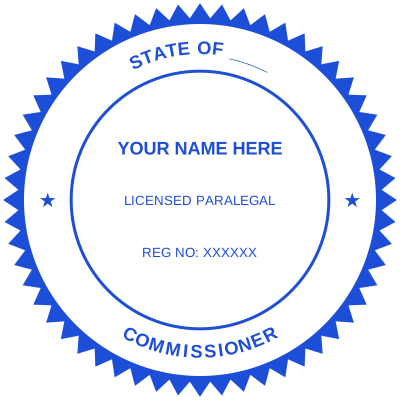
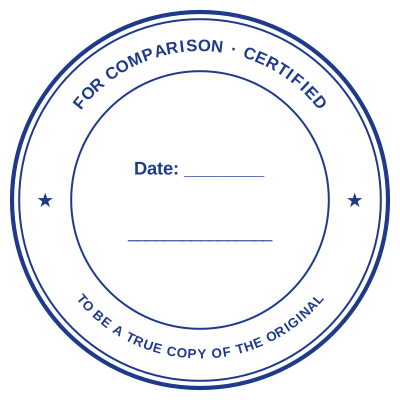
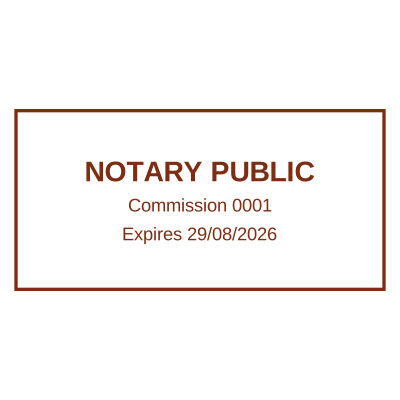
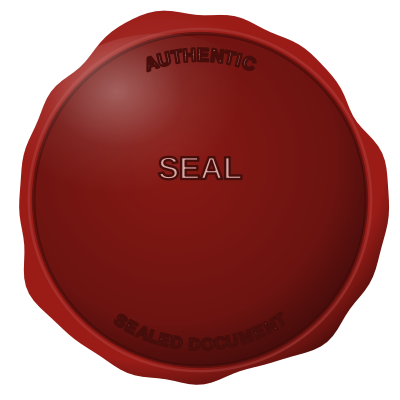

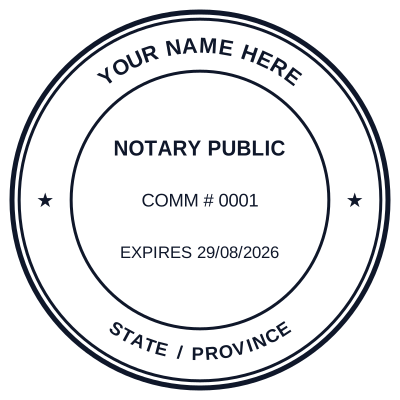
Open the stamp maker with any of these
Every preview on this page carries a faint Estamplab watermark. Your own download does not: the editor renders your stamp again, clean, as a transparent PNG, an SVG or a PDF. See the full template library.
When to use Notary Public stamp
- Notarial certificates and acknowledgements
- Jurats and certified copies
- International document legalization
- Apostille support paperwork
How to make Notary Public stamp
- Open the stamp maker and pick the Notary Public template, or type your own wording.
- Adjust the shape, the colour and the diameter, then add a logo and any lines that have to change.
- Export a PNG or JPG for $1.50, or every format zipped for $3.00 including the editable Word file.
Frequently asked questions
Is the notary public stamp free?
Free until you want the file. The notary public stamp previews at full quality with nothing over it, and only the download is charged: $1.50 for one image format, $3.00 for all of them zipped.
Can I add a date to the notary public stamp?
Add a date line anywhere on the notary public stamp. If you type a date it stays put; if you leave it empty it becomes today's date each time the file is generated, which is usually what a dated stamp is for.
What format do I get?
You choose an image format for $1.50, or take everything zipped for $3.00. The pack is where the SVG and the PDF live, and where the Word version of the notary public stamp keeps its date as real text.
How much does it cost, and what do I get?
You build it. The notary public stamp sample layouts are starting points rather than the product, so this is closer to a notary public stamp generator than a notary public stamp template. Adjust the notary public stamp design, build the notary public stamp online, preview at real size, then pay once. As a notary public stamp maker it charges nothing to try, and the notary public stamp price is $1.50 for a transparent notary public stamp png or $3.00 for the whole pack.
Can I add my commission expiry to the notary seal?
Yes, name, commission number, jurisdiction and an expiry or date line are all editable, and you can switch between a round seal and a rectangular stamp.
Read more
Estamplab is a design tool. What a notarial or legal mark must carry is set by the authority that issued the commission or the appointment, and it differs sharply between jurisdictions, so check your own paperwork before relying on any layout here. This page describes common practice rather than giving legal advice. Only produce a mark you hold the authority to use: a stamp in the name of an office you do not hold is forgery.