Government seal template online, free to design
Design an official-style seal for government, municipal, public office, and department documents with clear authority text.
Government Seal templates, ready to edit
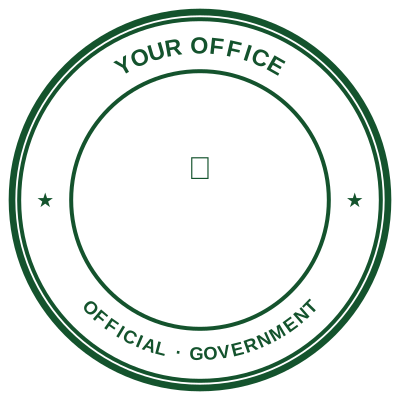
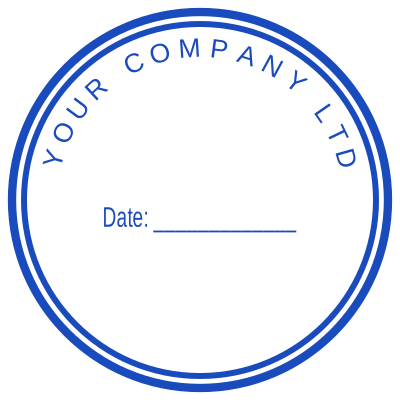




Open the stamp maker with any of these
Every preview on this page carries a faint Estamplab watermark. Your own download does not: the editor renders your stamp again, clean, as a transparent PNG, an SVG or a PDF. See the full template library.
When to use Government Seal
- Government forms
- Public office letters
- Department certificates
How to make Government Seal
- Open the stamp maker and pick the Government Seal template, or type your own wording.
- Set the diameter so it reads at real size, choose a border, and position the logo and the date line.
- Export the image for documents, or the whole set if you also need it in print or in Word.
How to put a government seal on a PDF
In Bluebeam, Markup then Image places the government seal, and the result behaves like any other markup until you flatten it. Flattening matters on anything going to a client or a reviewer: before it, the stamp is an object anybody can select and drag off the page.
What size should a government seal be?
The common standards are 40 mm across for a round government seal, 45 by 30 mm for an oval one and 60 by 20 mm for a rectangle. Those are the sizes most banks and registries are used to seeing, which is the practical reason to stay near them rather than any rule.
What a government seal does not prove
This produces an image. It is not an electronic signature in the legal sense: that is a cryptographic thing tied to verified identity, and it comes from an e-signature service. A government seal shows intent and identity to a human reader, which is what routine paperwork actually runs on, and it is worth knowing which of the two a document needs.
Frequently asked questions
Is the government seal free?
Free until you want the file. The government seal previews at full quality with nothing over it, and only the download is charged: $1.50 for one image format, $3.00 for all of them zipped.
Can I add a date to the government seal?
Add a date line anywhere on the government seal. If you type a date it stays put; if you leave it empty it becomes today's date each time the file is generated, which is usually what a dated stamp is for.
What format do I get?
Images on their own: transparent PNG, white PNG, JPG, and high-resolution versions of each. The pack adds the SVG, the print PDF and the Word file where the date and serial stay editable text.
Do I get a template or something I can edit?
Neither a static government seal template nor a stock image: a government seal generator you drive, and a government seal maker in the sense that matters, which is that nothing is fixed. Choose a government seal sample layout, rework the government seal design, build the government seal online and download when it looks right. The government seal price is $1.50 for a single government seal png or $3.00 for every format zipped.
Estamplab is a design tool. This page describes common practice rather than giving legal advice, and what an official mark must carry is set by the body that issues it, so check the requirement with them. Producing a mark representing a public body or an office you do not hold is forgery, and the terms of use prohibit it. Only produce a mark you are entitled to use.