Procurement stamp for purchase orders and approvals
A procurement stamp marks a purchase order as approved and a quotation as accepted, and it is the mark an internal auditor traces back from a payment to find out who authorised the spend.
Procurement stamp templates, ready to edit

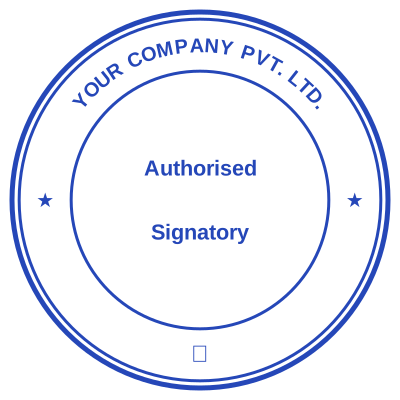

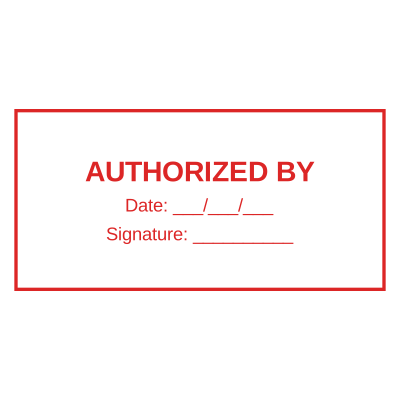


Open the stamp maker with any of these
Every preview on this page carries a faint Estamplab watermark. Your own download does not: the editor renders your stamp again, clean, as a transparent PNG, an SVG or a PDF. See the full template library.
When to use Procurement stamp
- Purchase orders approved
- Quotations accepted and evaluated
- Supplier registration documents
- Contract award recommendations
How to make Procurement stamp
- Open the stamp maker and pick the Procurement stamp template, or type your own wording.
- Pick the border style, set the colour, and place any date, time or serial line where it fits.
- Download the PNG for everyday use, or the pack when the SVG and PDF are going to matter later.
Frequently asked questions
Is the procurement stamp free?
You can design a procurement stamp and look at it as long as you want without paying or signing up. Downloading costs $1.50 for a PNG or JPG, or $3.00 for the pack with the vector and document formats in it.
Can I add a date to the procurement stamp?
Yes. A date, a time, or both, positioned wherever they fit the procurement stamp. An empty date field means "whenever this is used", so the impression records the real day.
What format do I get?
Single formats are the images: a transparent PNG, a white-background PNG or a JPG. The vector and document versions of the procurement stamp, meaning SVG, PDF, EPS and Word, come with the all-formats pack.
Is there a free maker, or only samples?
It is a procurement stamp maker rather than a procurement stamp template you download and then fight with in a word processor. Build a procurement stamp online from a procurement stamp sample, or start empty and use it as a procurement stamp generator: every part of the procurement stamp design stays adjustable. The procurement stamp price covers the file only, $1.50 for a transparent procurement stamp png or $3.00 for every format.