PAID stamp for invoices & PDF, free to design
Mark invoices and receipts as paid. Drop a PAID stamp with the date and a receipt number onto any PDF, or download it as a transparent PNG.
Paid stamp templates, ready to edit
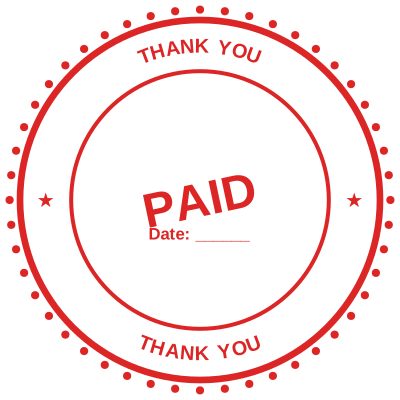
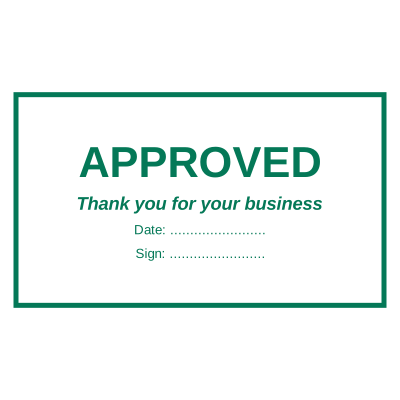
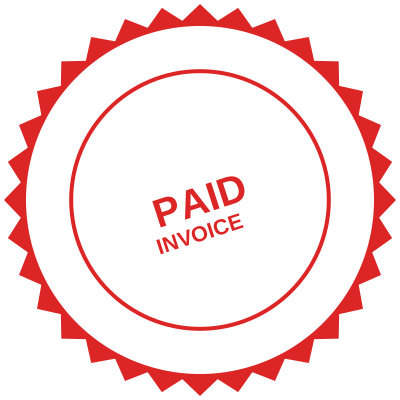
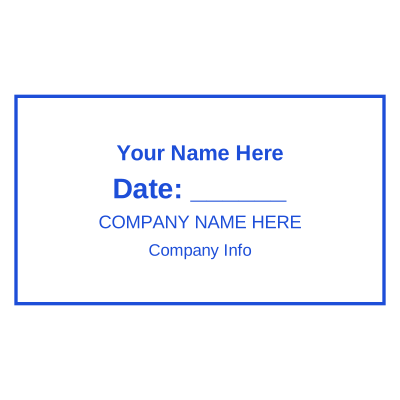

Open the stamp maker with any of these
Every preview on this page carries a faint Estamplab watermark. Your own download does not: the editor renders your stamp again, clean, as a transparent PNG, an SVG or a PDF. See the full template library.
When to use Paid stamp
- Invoices and receipts
- Accounts payable
- Proof of payment
How to make Paid stamp
- Open the stamp maker and pick the Paid template, or type your own wording.
- Style it: shape, border, ink colour and size, plus a logo and the date or serial if you need them.
- Take a transparent PNG on its own, or the full pack with the vector, print and Word files in it.
How to put a paid stamp on a PDF
In Google Docs, Insert then Image then Upload from computer puts the paid stamp on the page, and the wrap option under the image has to be set to Behind text or In front of text rather than Inline. Transparent PNGs work there, but the page background has to be plain: an image background will show through the knockout.
What size should a paid stamp be?
For print, think in millimetres and export at print resolution; for a screen, think in pixels. A paid stamp placed in a PDF at 40 mm needs roughly 470 pixels across at 300 dpi, which is why a small screenshot of a stamp always looks soft once it is printed.
What a paid stamp does not prove
A paid stamp is not a notarisation and not an apostille. Those are acts performed by a named official who is accountable for them, recorded somewhere, and they cannot be produced by placing an image on a page. If a document needs one, it needs the official rather than the artwork.
Frequently asked questions
Is the paid stamp free?
You can design a paid stamp and look at it as long as you want without paying or signing up. Downloading costs $1.50 for a PNG or JPG, or $3.00 for the pack with the vector and document formats in it.
Can I add a date to the paid stamp?
Add a date line anywhere on the paid stamp. If you type a date it stays put; if you leave it empty it becomes today's date each time the file is generated, which is usually what a dated stamp is for.
What format do I get?
A transparent PNG for dropping onto documents, plus a white-background PNG and a JPG. The $3.00 pack adds an SVG, a print-ready PDF and a Word file that keeps the date and serial as text you can retype.
Is this a maker or just a template?
A paid stamp maker with samples to start from. A downloadable paid stamp template locks you into whatever it was drawn at, whereas a paid stamp design here changes whenever you need it to and the paid stamp generator rebuilds it instantly. Create the paid stamp online, and pay only for the file: the paid stamp price is $1.50 for a paid stamp png, $3.00 for everything, starting from any paid stamp sample.