Tender stamp for bid submissions
A tender stamp goes on every page of a bid in many procurement processes, and the reason is unglamorous: it makes substitution of a page after opening obvious.
Tender stamp templates, ready to edit


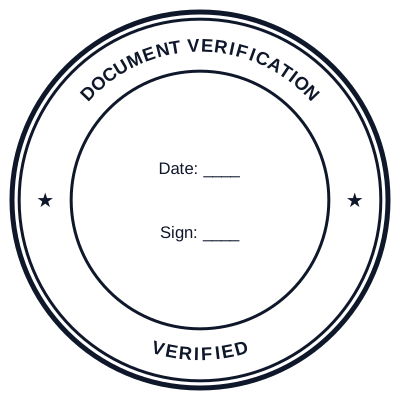
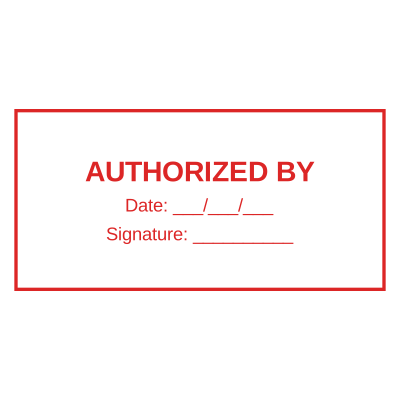
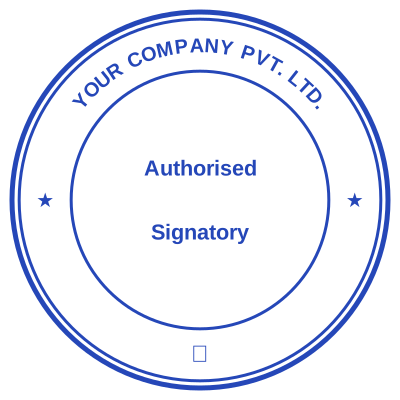

Open the stamp maker with any of these
Every preview on this page carries a faint Estamplab watermark. Your own download does not: the editor renders your stamp again, clean, as a transparent PNG, an SVG or a PDF. See the full template library.
When to use Tender stamp
- Bid documents and technical proposals
- Priced schedules
- Bid bonds and guarantees
- Pre-qualification submissions
How to make Tender stamp
- Open the stamp maker and pick the Tender stamp template, or type your own wording.
- Decide the outline and the colour first, size it to match the paperwork, then add the changing lines.
- Pick a PNG or a JPG on its own, or take everything at once including the retypable Word version.
Frequently asked questions
Is the tender stamp free?
Yes to design it, no to download it. Building a tender stamp costs nothing and needs no account, and you can edit it for as long as you like. Getting the file out is $1.50 for a single image format, or $3.00 for the full pack.
Can I add a date to the tender stamp?
Add a date line anywhere on the tender stamp. If you type a date it stays put; if you leave it empty it becomes today's date each time the file is generated, which is usually what a dated stamp is for.
What format do I get?
A transparent PNG is the one most people want, and it is available on its own. SVG, PDF, EPS and Word are pack-only, because a vector that rescales forever is not the same product as a flat image.
Is there a free maker, or only samples?
It is a tender stamp maker rather than a tender stamp template you download and then fight with in a word processor. Build a tender stamp online from a tender stamp sample, or start empty and use it as a tender stamp generator: every part of the tender stamp design stays adjustable. The tender stamp price covers the file only, $1.50 for a transparent tender stamp png or $3.00 for every format.
Why do tenders require every page stamped?
To make the submission tamper evident. If each page carries the same mark and a serial, replacing one after the bid box is opened is visible. It is also why a stamp with a number that cannot repeat is worth more here than a decorative one.