Vector stamp design template, free to design
Create a clean stamp layout with crisp borders, editable text, and transparent export for digital documents.
Vector Stamp Template templates, ready to edit
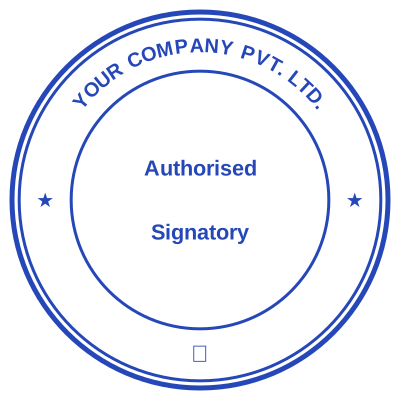



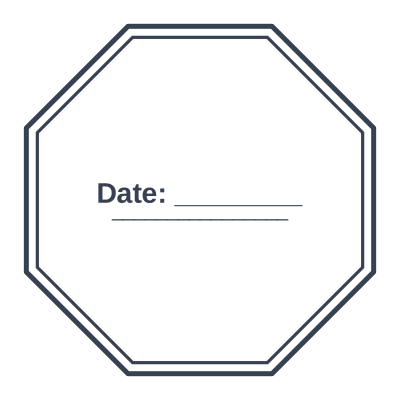

Open the stamp maker with any of these
Every preview on this page carries a faint Estamplab watermark. Your own download does not: the editor renders your stamp again, clean, as a transparent PNG, an SVG or a PDF. See the full template library.
When to use Vector Stamp Template
- SVG stamp layouts
- Printable stamp artwork
- Digital stamp assets
How to make Vector Stamp Template
- Open the stamp maker and pick the Vector Stamp Template template, or type your own wording.
- Pick the border style, set the colour, and place any date, time or serial line where it fits.
- Pick a PNG or a JPG on its own, or take everything at once including the retypable Word version.
How to put a vector stamp template on a PDF
On a Mac you do not need Acrobat. Open the PDF in Preview, choose Tools, then Annotate, then Image, and place the vector stamp template on the page. Preview keeps the transparency, so only the ink lands on the document. Export as PDF when you are finished rather than saving over the original.
What size should a vector stamp template be?
For print, think in millimetres and export at print resolution; for a screen, think in pixels. A vector stamp template placed in a PDF at 40 mm needs roughly 470 pixels across at 300 dpi, which is why a small screenshot of a stamp always looks soft once it is printed.
What a vector stamp template does not prove
A vector stamp template is evidence that a document was processed, not proof of authority. What binds an organisation is a properly authorised signature, and in some places a witness or an execution clause as well. The mark makes a document read as executed; it does not replace the authority to execute it.
Frequently asked questions
Is the vector stamp template free?
Yes to design it, no to download it. Building a vector stamp template costs nothing and needs no account, and you can edit it for as long as you like. Getting the file out is $1.50 for a single image format, or $3.00 for the full pack.
Can I add a date to the vector stamp template?
Add a date line anywhere on the vector stamp template. If you type a date it stays put; if you leave it empty it becomes today's date each time the file is generated, which is usually what a dated stamp is for.
What format do I get?
Images on their own: transparent PNG, white PNG, JPG, and high-resolution versions of each. The pack adds the SVG, the print PDF and the Word file where the date and serial stay editable text.
Template, or something I actually build?
It is a vector stamp template maker rather than a vector stamp template template you download and then fight with in a word processor. Build a vector stamp template online from a vector stamp template sample, or start empty and use it as a vector stamp template generator: every part of the vector stamp template design stays adjustable. The vector stamp template price covers the file only, $1.50 for a transparent vector stamp template png or $3.00 for every format.