Accountant & CPA stamp online
Create an accountant or CPA stamp for accounting work with your name, membership number, and firm, for financial statements, audit reports, and certified accounts. An accounting department stamp for internal sign-off uses the same layout with a checked-by line instead of a membership number. Add a date and serial number, download a PNG, or an SVG and place it in any PDF editor.
Accountant stamp templates, ready to edit


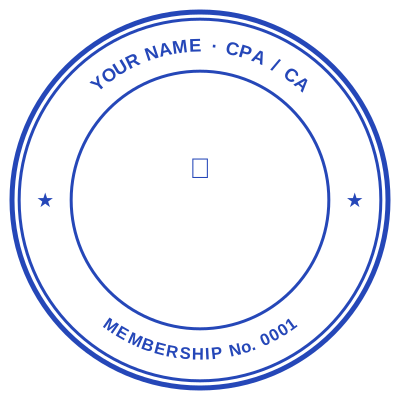

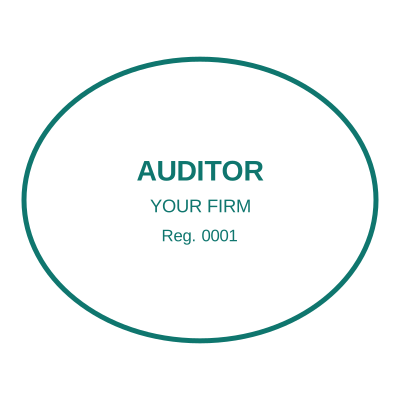
Open the stamp maker with any of these
Every preview on this page carries a faint Estamplab watermark. Your own download does not: the editor renders your stamp again, clean, as a transparent PNG, an SVG or a PDF. See the full template library.
What Accountant stamp says: a worked sample
J. JOHNSON, CPA
Certified Public Accountant
Licence No. 1234567
State of Illinois
The licence number and the issuing state travel together. A CPA designation without the jurisdiction that granted it cannot be verified against any register.
When to use Accountant stamp
- Financial statements and audit reports
- Certified management accounts
- Tax computations and filings
- Letters of engagement
How to make Accountant stamp
- Open the stamp maker and pick the Accountant template, or type your own wording.
- Choose the shape and ink colour, size it like a real stamp, and add a logo, a date or a number.
- Download it: a transparent PNG for documents, or the pack for the SVG, the PDF and the Word version.
Frequently asked questions
Is the accountant stamp free?
Free until you want the file. The accountant stamp previews at full quality with nothing over it, and only the download is charged: $1.50 for one image format, $3.00 for all of them zipped.
Can I add a date to the accountant stamp?
Yes. Switch the date on and it sits inside the accountant stamp. Leave the date field empty and it fills itself in whenever the stamp is used, rather than freezing the day you designed it.
What format do I get?
A transparent PNG for dropping onto documents, plus a white-background PNG and a JPG. The $3.00 pack adds an SVG, a print-ready PDF and a Word file that keeps the date and serial as text you can retype.
How much does it cost, and what do I get?
You build it. The accountant stamp sample layouts are starting points rather than the product, so this is closer to a accountant stamp generator than a accountant stamp template. Adjust the accountant stamp design, build the accountant stamp online, preview at real size, then pay once. As a accountant stamp maker it charges nothing to try, and the accountant stamp price is $1.50 for a transparent accountant stamp png or $3.00 for the whole pack.
Can I add my CPA / ICPAK membership number?
Yes, your name, professional body, membership number and firm are all editable lines on the stamp.
Estamplab is a design tool. A professional seal is regulated by the board that issued your licence, and several boards now specify exactly how a digital seal must be applied and secured. Check your board’s rules before sealing anything. Only produce a seal for a licence you hold.