Electronic company seal generator
Use the electronic company seal generator to create a digital company seal in seconds: enter your company name and registration number, choose a round seal, and download a transparent PNG or an SVG and place it in any PDF editor. Save it to your library and each download can take a locked serial number.
Company Seal Generator templates, ready to edit


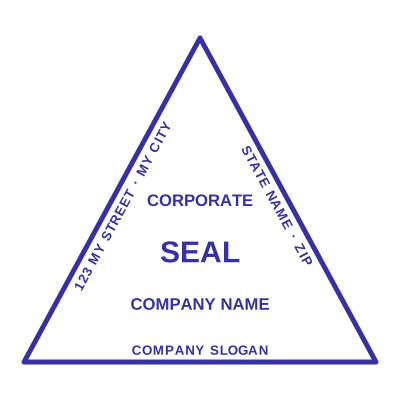



Open the stamp maker with any of these
Every preview on this page carries a faint Estamplab watermark. Your own download does not: the editor renders your stamp again, clean, as a transparent PNG, an SVG or a PDF. See the full template library.
When to use Company Seal Generator
- Digital company seals
- Electronic document authentication
- PDF company seals
- Verifiable corporate marks
How to make Company Seal Generator
- Open the stamp maker and pick the Company Seal Generator template, or type your own wording.
- Work through the shape, the border and the ink, then drop a logo into the centre and place the date.
- Export a PNG or JPG for $1.50, or every format zipped for $3.00 including the editable Word file.
Frequently asked questions
Is the company seal generator free?
Designing is free and unlimited. Downloading the company seal generator is $1.50 for a single image, or $3.00 for every format at once. One payment either way, with no subscription attached.
Can I add a date to the company seal generator?
Yes, and you can add a time beside it. On a company seal generator the date can either be one you type, which stays fixed, or left blank so it resolves at the moment of each download.
What format do I get?
Images on their own: transparent PNG, white PNG, JPG, and high-resolution versions of each. The pack adds the SVG, the print PDF and the Word file where the date and serial stay editable text.
Can I design my own, or pick from templates?
Both, in the order that helps. Open a company seal generator sample as a layout, then use the company seal generator generator rather than a fixed company seal generator template, because the wording, shape and spacing are yours. Making a company seal generator online is free; the company seal generator price is $1.50 for a company seal generator png and $3.00 for the full set, and the company seal generator design stays editable after. It is a company seal generator maker, not a download.