Professional company stamp maker
Create a polished, professional company stamp that looks the part on any document. Choose a round corporate seal or a rectangular office stamp, add your company name, registration number, address and logo, and fine-tune the borders, fonts and colour. Download a transparent PNG or an SVG and place it in any PDF editor, with an optional locked serial number on each download.
Professional Company Stamp templates, ready to edit
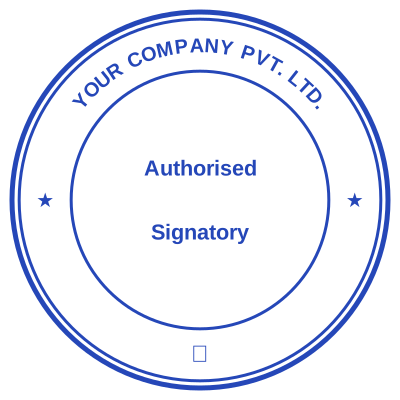
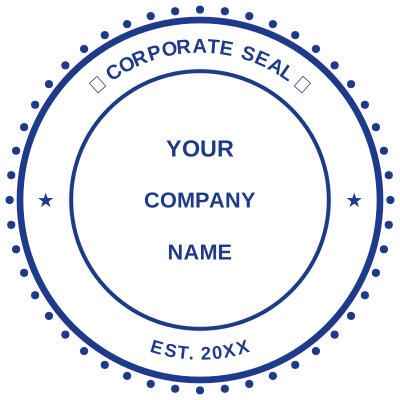

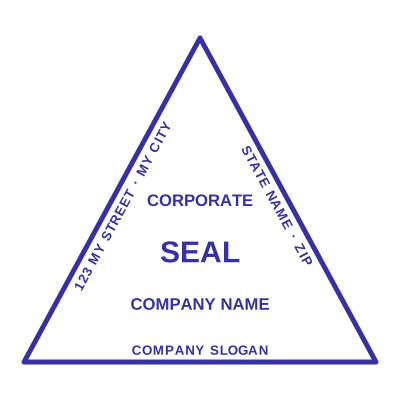
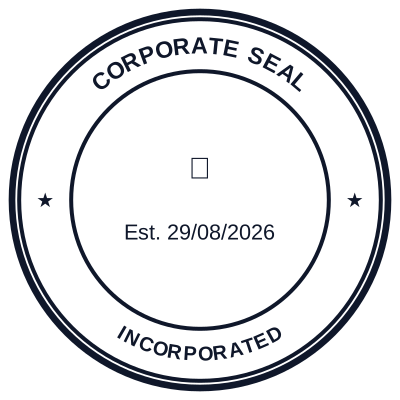

Open the stamp maker with any of these
Every preview on this page carries a faint Estamplab watermark. Your own download does not: the editor renders your stamp again, clean, as a transparent PNG, an SVG or a PDF. See the full template library.
When to use Professional Company Stamp
- Professional corporate seals
- Business and office stamps
- Contracts, invoices and letters
- Certificates and approvals
How to make Professional Company Stamp
- Open the stamp maker and pick the Professional Company Stamp template, or type your own wording.
- Size it, colour it, pick a border, and put the logo, date or serial exactly where you want them.
- Export a PNG or JPG for $1.50, or every format zipped for $3.00 including the editable Word file.
Frequently asked questions
Is the professional company stamp free?
Designing is free and unlimited. Downloading the professional company stamp is $1.50 for a single image, or $3.00 for every format at once. One payment either way, with no subscription attached.
Can I add a date to the professional company stamp?
Add a date line anywhere on the professional company stamp. If you type a date it stays put; if you leave it empty it becomes today's date each time the file is generated, which is usually what a dated stamp is for.
What format do I get?
Single formats are the images: a transparent PNG, a white-background PNG or a JPG. The vector and document versions of the professional company stamp, meaning SVG, PDF, EPS and Word, come with the all-formats pack.
Can I design my own, or pick from templates?
Neither a static professional company stamp template nor a stock image: a professional company stamp generator you drive, and a professional company stamp maker in the sense that matters, which is that nothing is fixed. Choose a professional company stamp sample layout, rework the professional company stamp design, build the professional company stamp online and download when it looks right. The professional company stamp price is $1.50 for a single professional company stamp png or $3.00 for every format zipped.
What makes a company stamp look professional?
Clean ring text with your full company name, a balanced border, a legible font, and a centred logo or registration number. The maker gives you professional templates and precise controls so your stamp looks corporate, not clip-art.