Free editable rubber stamp template Word
There is a gap between what people search for and what exists. An editable rubber stamp template for Word usually means a .docx containing a picture of a stamp, and the picture is not editable in Word in any useful sense. The workable route is to make the design where the text is genuinely live, then take a DOCX with the finished stamp already placed.
Templates you can start from




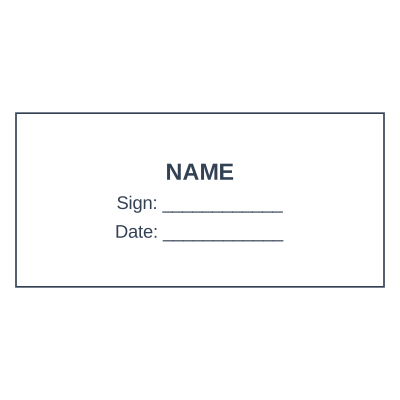

How to make it
- Design the stamp here, where every line is still editable text.
- Choose the DOCX download. The stamp arrives already placed.
- Open it in Word and move or resize the image as needed.
- Keep the saved design here for the next time the wording changes.
What you get
- A DOCX with the stamp already positioned
- Transparent PNG inside, so page text shows through
- The design stays editable here, not in Word
- Re-download after an address change without rebuilding
What Word can and cannot do with a stamp
Word can place the image, size it, set text wrapping and put it behind the text, which is what you want for a stamp over a paragraph. Word cannot re-curve the ring text, change the registered name inside the image, or scale it without softening, because by then it is a picture. So do all the text work before the export and treat the DOCX as the last step rather than the editing environment.
Questions
Will the white box show behind it?
No, if the wrap is set correctly. The embedded image is a transparent PNG, so the paragraph underneath shows through the gaps. Set wrapping to "Behind Text" to get the impression look.
Can I edit the words once it is in Word?
Not inside the image. Change them here and re-download, which takes a few seconds if the design was saved.
Estamplab is a design tool. This page describes common commercial practice rather than giving legal advice, and practice changes. Where a specific document matters, check the requirement with the body receiving it. Only produce a mark your own organisation or your own credentials are entitled to use.