My stamp
A saved stamp is different from a downloaded one. A download is a flat image: the text inside it is a picture of text and can never be edited again. A saved stamp keeps the design, so it reopens in the editor with every line still live, and it gets its own counter, which is the only way a serial number can actually increment.
Templates you can start from

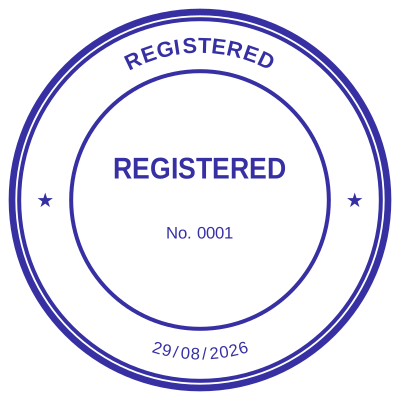

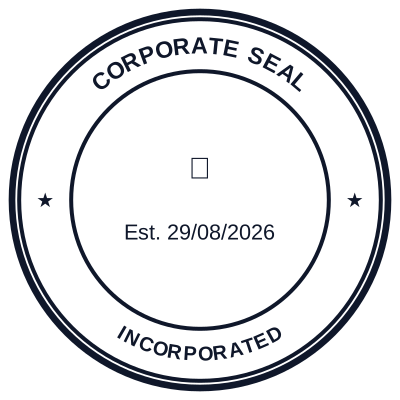
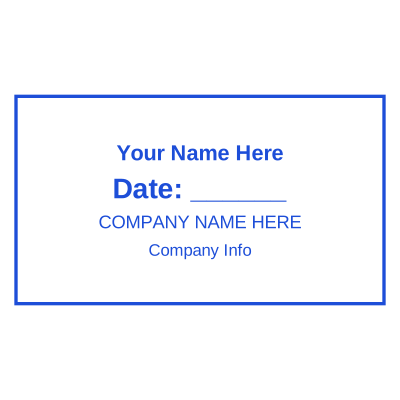

How to make it
- Design the stamp as usual.
- Save it to your library. This is where the account is needed.
- Reopen it any time, with every field still editable.
- Tick numbering at download and it takes the next number.
What you get
- Reopens fully editable, not as a flat image
- Its own serial counter, incremented under a row lock
- Survives a closed tab and a different device
- One design, re-downloaded in any format later
Why the serial counter needs an account
Because a number that means anything has to be issued once and never twice. The counter lives on the server and increments under a row lock, so if you open two tabs or two devices and download from both, they get different numbers. A counter kept in the browser would hand out the same number to both, and a duplicate serial on a controlled document is worse than no serial at all.
Questions
Do I need an account to design?
No, only to save. Designing and downloading work as a guest. The account exists for the library and the counter, both of which need to outlive the tab.
Can I edit a stamp I already downloaded?
Only if you saved it too. The downloaded image is flat, so the text in it is pixels. If the address might change, save it now rather than rebuilding later.
Estamplab is a design tool. This page describes common commercial practice rather than giving legal advice, and practice changes. Where a specific document matters, check the requirement with the body receiving it. Only produce a mark your own organisation or your own credentials are entitled to use.