Stamp creator online
An online stamp creator does the job installed design software used to do, in a browser tab and without the learning curve. It is narrower than a general graphics editor on purpose: it only draws stamps, so the controls are the ones a stamp needs (ring text, border weight, millimetre sizing) rather than a thousand tools of which four apply.
Templates you can start from

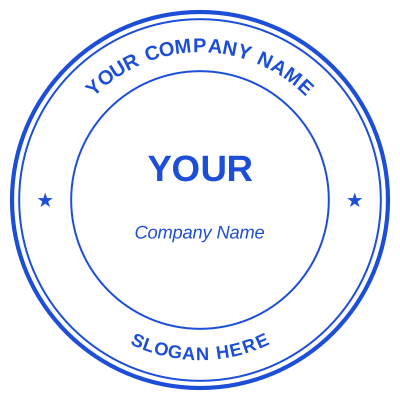


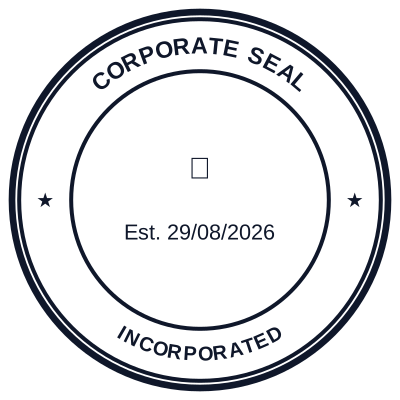

How to make it
- Open it. There is no project file and no setup.
- Work directly on the stamp. Every control affects it.
- Use the undo history freely while you experiment.
- Export in the format the document needs.
What you get
- Purpose-built controls rather than a general design tool
- Millimetre sizing, because stamps have real dimensions
- Ring text that curves correctly on any shape
- No project files to manage
Why not just use a general design tool
You can, and for a one-off rectangle it is fine. Two things get hard. Text curved evenly around a circle, with the bottom arc reading the right way up, is fiddly in a general editor and automatic here. And real dimensions: a stamp is 40mm across, not 400 pixels, and getting from one to the other correctly at export time is where most homemade stamps come out the wrong size and print blurred.
Questions
Do I need design experience?
No. The decisions are what the stamp says and how big it is. The layout rules that make a stamp readable, like keeping the ring text clear of the border, are built into how the controls behave.
Can I import an existing design?
You can upload a logo and place it in the centre. You cannot import a finished stamp image and have the text become editable again, because a flat image has no text in it to recover.
Estamplab is a design tool. This page describes common commercial practice rather than giving legal advice, and practice changes. Where a specific document matters, check the requirement with the body receiving it. Only produce a mark your own organisation or your own credentials are entitled to use.