Stamp maker online
Making a stamp online means the whole job happens in a browser tab: choosing the shape, setting the wording, and taking the file away. There is no proof to approve and no delivery, because there is no physical object at the end of it. The output is an image you place on a document yourself.
Templates you can start from



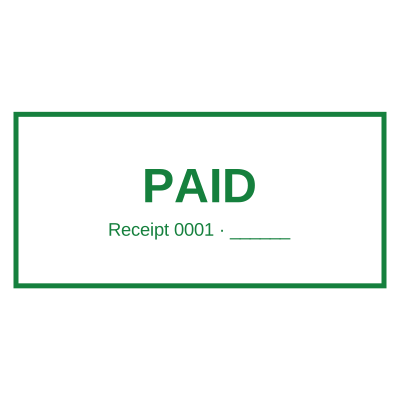
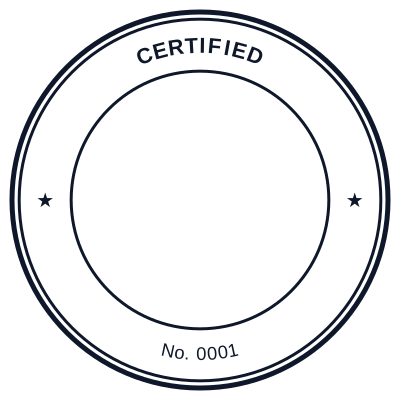
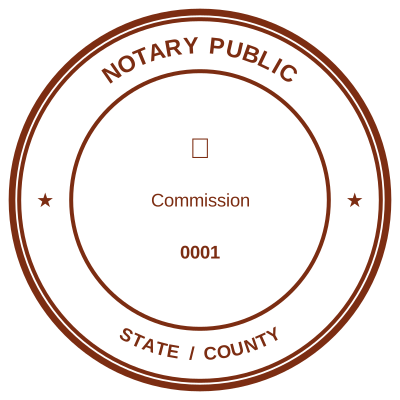
How to make it
- Choose the outline first. It constrains everything after it.
- Add the ring text, then the centre lines.
- Adjust spacing until nothing collides with the border.
- Take the file in the format the document needs.
What you get
- From blank page to finished file in a few minutes
- Live preview, so there is no proof to wait for
- Every format from one design
- Re-editable later if you save it
Online versus a stamp shop, honestly
A shop gives you a physical block that presses ink into paper, and for anything that has to be signed in front of somebody, that is still the right answer. Online gives you a file, which is the right answer when the document is a PDF that will be emailed and never printed. Most businesses end up needing both, and it is worth knowing which of the two a given document actually requires before paying for either.
Questions
How long does it take?
A simple round company stamp takes about three minutes: shape, two lines of ring text, one centre line. A stamp with a logo, a date field and a serial counter takes longer because each of those is a decision.
Can I change it afterwards?
If you saved it, yes, it reopens in the editor with every line still editable. If you only downloaded the image, the image is flat and the text in it can no longer be edited, so save it if there is any chance the address or the name will change.
Estamplab is a design tool. This page describes common commercial practice rather than giving legal advice, and practice changes. Where a specific document matters, check the requirement with the body receiving it. Only produce a mark your own organisation or your own credentials are entitled to use.