Agreement stamp for signed contracts
An agreement stamp marks a contract as executed by the entity rather than only signed by a person, which is the distinction that matters when a counterparty later asks who was bound.
Agreement stamp templates, ready to edit
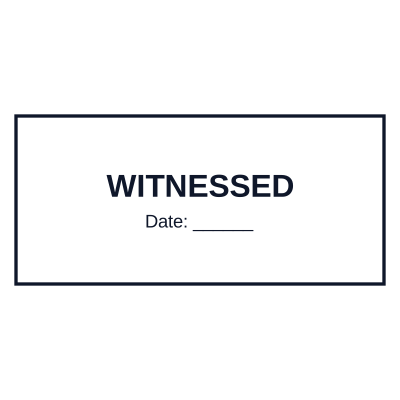
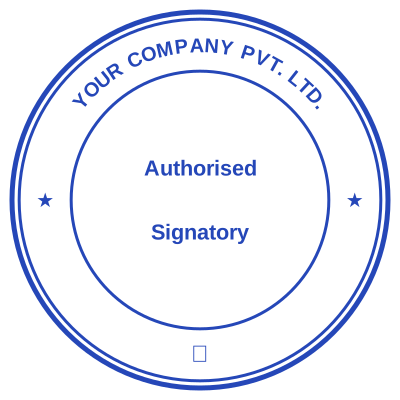
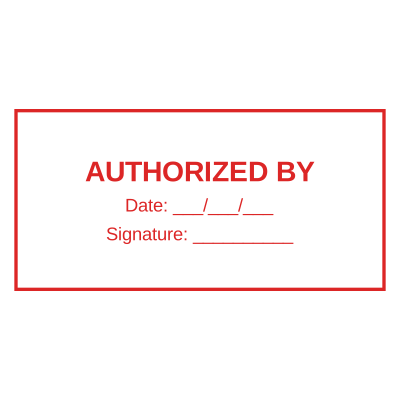



Open the stamp maker with any of these
Every preview on this page carries a faint Estamplab watermark. Your own download does not: the editor renders your stamp again, clean, as a transparent PNG, an SVG or a PDF. See the full template library.
When to use Agreement stamp
- Executed agreements and contracts
- Amendments and variations
- Service level agreements
- Non-disclosure agreements
How to make Agreement stamp
- Open the stamp maker and pick the Agreement stamp template, or type your own wording.
- Decide the outline and the colour first, size it to match the paperwork, then add the changing lines.
- Grab the transparent PNG if you are placing it on screen, or the pack if it has to survive printing.
Frequently asked questions
Is the agreement stamp free?
You can design an agreement stamp and look at it as long as you want without paying or signing up. Downloading costs $1.50 for a PNG or JPG, or $3.00 for the pack with the vector and document formats in it.
Can I add a date to the agreement stamp?
Yes, and you can add a time beside it. On a agreement stamp the date can either be one you type, which stays fixed, or left blank so it resolves at the moment of each download.
What format do I get?
A transparent PNG for dropping onto documents, plus a white-background PNG and a JPG. The $3.00 pack adds an SVG, a print-ready PDF and a Word file that keeps the date and serial as text you can retype.
Is this a maker or just a template?
This is a free agreement stamp maker. Pick a agreement stamp sample for a head start or use the blank agreement stamp generator, then change every line of the agreement stamp design. Everything happens with the agreement stamp online in your browser. The agreement stamp price is per file rather than monthly, $1.50 for a agreement stamp png and $3.00 for the pack, and a agreement stamp template never enters into it.