Signature maker and signature generator for documents
Sign on paper, photograph it, and upload it. The background is knocked out and what is left is the signature, ready to place on a PDF, Word file or spreadsheet.
Signature maker and signature generator for documents templates, ready to edit
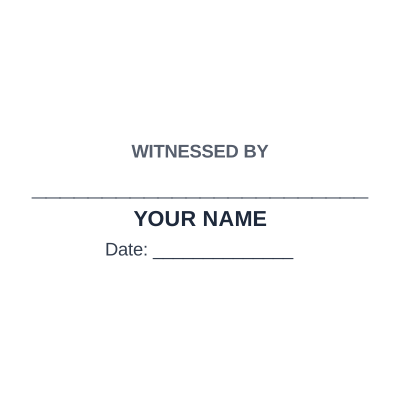


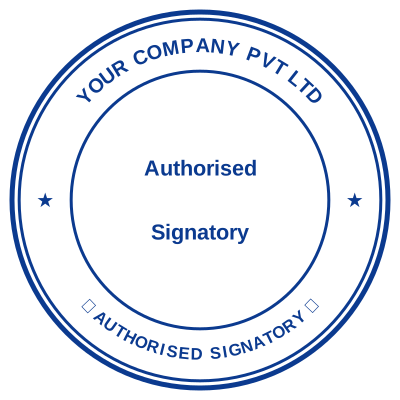

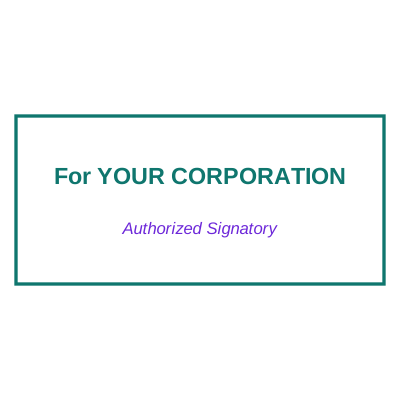
Open the stamp maker with any of these
Every preview on this page carries a faint Estamplab watermark. Your own download does not: the editor renders your stamp again, clean, as a transparent PNG, an SVG or a PDF. See the full template library.
A signature generator that draws a signature for you produces something that looks like a font, because it is one. What actually works is your own signature, photographed properly and cleaned up: the strokes are yours, the pressure variation is real, and it looks like what it is. That is a two minute job and the difference between a document that reads as signed and one that reads as typed.
What you get
- Photograph a signature on white paper and the background is removed automatically.
- The ink colour can be changed, so a black signature becomes blue where a form wants blue.
- A transparent PNG, so the page shows through around the strokes rather than a white box.
- Place it on the document here, alongside a company stamp if the document needs both.
- Saved to your library, so the next document is a two click job.
How to make it
- Open the stamp maker and pick a shape, or start from a template.
- Type your wording, then set the colour, border and size.
- Add the date, time, serial number or logo, and position each one.
- Preview it live, then download. Designing and previewing are free.
Questions
How do I make a digital signature from a photo?
Sign in black ink on plain white paper, photograph it square on in even light, and upload it. Avoid a shadow across the page: it is the one thing that makes the background hard to remove cleanly.
Is a signature image a legal signature?
For many everyday commercial documents an electronic signature is accepted, and an image of a signature can qualify. Certain documents, wills, deeds, some property and court filings, often require more, and the rules differ by country. Check the requirement for that document type rather than assuming.
What is the difference between this and a digital signature?
A digital signature in the technical sense is a cryptographic certificate bound to the file, which proves who signed and that nothing changed afterwards. What this makes is a visible signature mark. They solve different problems and are sometimes used together.
Can I put my signature and company stamp together?
Yes, and it is the usual arrangement: signature first, company stamp beside it or slightly over it.
Estamplab is a design tool. This page describes common commercial practice rather than giving legal, tax or financial advice, and practice changes. Where a specific document matters, check the requirement with the body receiving it. Only produce a mark your own organisation or your own credentials are entitled to use.