Add a signature and a stamp to a PDF
Upload the PDF, place your signature and your company stamp where they belong on the page, and download the finished copy.
Drop your PDF, Word or Excel file here
It is read in your browser. Nothing is uploaded, and there is no account to make.
Add a signature and a stamp to a PDF templates, ready to edit
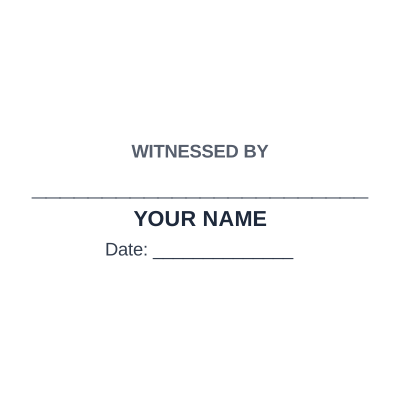
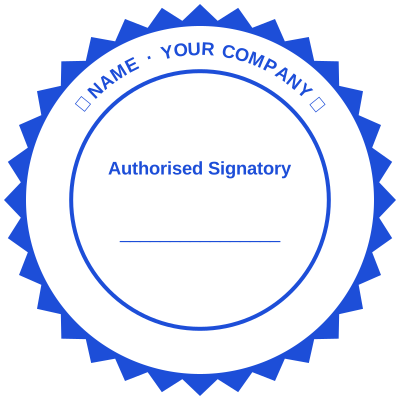

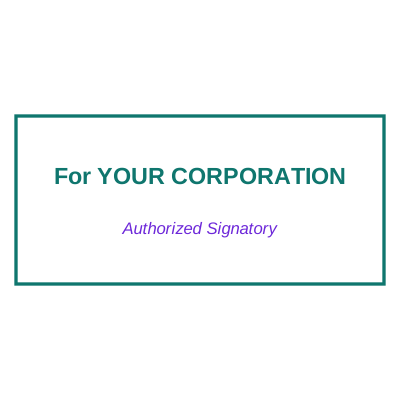
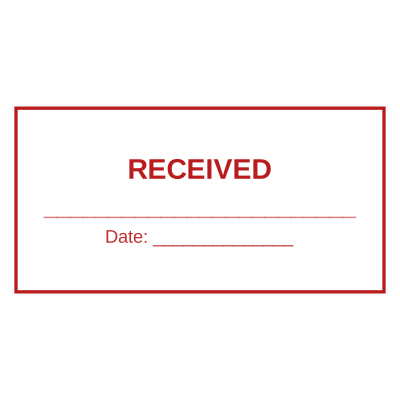
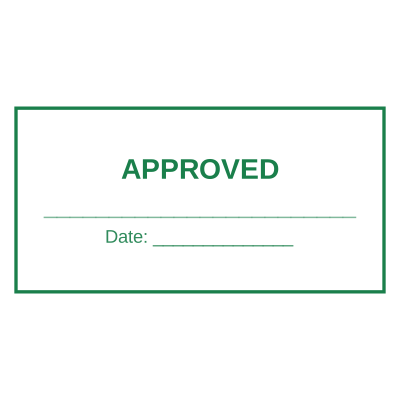
Open the stamp maker with any of these
Every preview on this page carries a faint Estamplab watermark. Your own download does not: the editor renders your stamp again, clean, as a transparent PNG, an SVG or a PDF. See the full template library.
On paper the two go together: you sign, then you stamp across the corner of the signature. Doing it digitally usually means two different tools, one for the signature and one for the stamp, and a document that goes through the printer between them. Placing both on the same page in the same pass is the whole job, and it takes about a minute.
What you get
- Two marks on one page, positioned independently, the way they sit on a signed contract.
- The stamp overlaps the corner of the signature, which is the convention that makes a stamped signature look right.
- Both are transparent, so the printed name and the signature line underneath still read.
- The date can be part of the stamp, so the document carries the day it was signed.
- Nothing is uploaded. The PDF is opened and finished inside your browser.
- The original file is never modified, so an unsigned copy is still on file.
How to make it
- Open the tool and drop your PDF, Word or Excel file onto the page.
- Pick a stamp from your library, or design one in the pop-up designer.
- Click the page where the stamp goes, then drag it or resize it from the corner.
- Download the stamped copy. Your original file is never modified.
Questions
Is this an electronic signature?
No, and the difference matters. This places a picture of a signature and a stamp on a page, which is what makes the document look the way the recipient expects. A legally weighted electronic signature is a cryptographic thing, tied to identity verification, and it comes from an e-signature service rather than from an image. For invoices, delivery notes, letters and internal approvals, the image is what people actually use.
How do I get my signature in?
Sign a white sheet, photograph it, and upload the photo. The white background is knocked out so the signature reads as ink rather than as a photograph of paper.
Where should the stamp go relative to the signature?
Overlapping the bottom-left corner of the signature is the common convention, so the stamp touches the signature without hiding the name. On a two-signature document each signature gets its own.
Can I do several pages?
Yes. Sign the last page and stamp every page, which is what most contracts want.
Does the document stay searchable?
Yes. Both marks are drawn onto the page, and the text underneath is untouched.
Estamplab is a design tool. This page describes common commercial practice rather than giving legal, tax or financial advice, and practice changes. Where a specific document matters, check the requirement with the body receiving it. Only produce a mark your own organisation or your own credentials are entitled to use.