Company stamp, free to design
- 🔒 Free to design, no signup
- 🔒 Transparent PNG and SVG export
- 🔒 Serial numbers on saved stamps
- 🔒 Works on any device
A company stamp is the mark that says a document came from the business rather than from whoever happened to type it: the registered name, usually the company number, often the town, set around a ring or in a plain rectangle. Designing one here costs nothing and needs no account, and the preview is the real thing rather than a sample, so you can settle the wording and the shape before any money is involved. Downloading is a single payment, $1.50 for one format or $3.00 for every format zipped, with no subscription behind it.
Company stamp, free to design templates, ready to edit
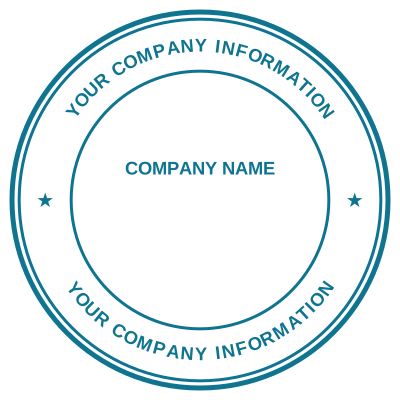

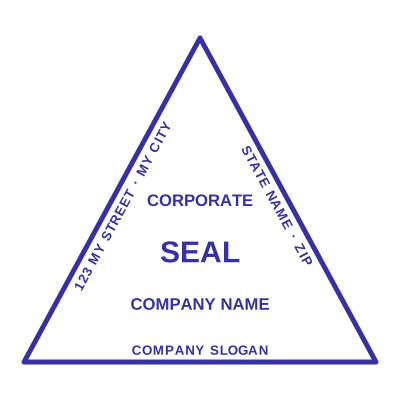
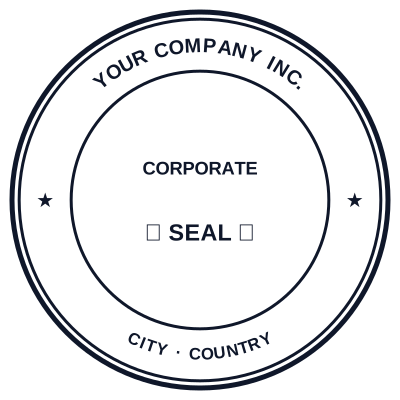


Open the stamp maker with any of these
Every preview on this page carries a faint Estamplab watermark. Your own download does not: the editor renders your stamp again, clean, as a transparent PNG, an SVG or a PDF. See the full template library.
What you get
- Free to design and preview, no account needed
- Round, oval, rectangle, octagon and triangle
- Company name curves to fit as you retype it
- Registration number and town as separate lines
- One payment to download, never a subscription
Company stamp, free to design
- Open the stamp maker and pick a shape, or start from a ready-made template.
- Set the shape, colour and size, then drop in a logo and position the date or serial line.
- Preview it live as you edit. What you see is exactly what the file contains.
- Take a transparent PNG on its own, or the full pack with the vector, print and Word files in it.
Frequently asked questions
How do I make a company stamp online?
Pick a shape, type the registered company name, add the registration number and the town if your paperwork carries them, then set the colour and the border. Company stamp making used to start with paying somebody to cut a die and finding out afterwards whether the wording fitted; a company digital stamp maker inverts that, so you look at the finished seal at full size before any money changes hands. A registered stamp is only as good as the registered name on it, which is the detail people abbreviate and a re-cut die charges twice for.
What is actually free?
Everything up to the file. Opening the maker, picking a shape, typing the company name, moving lines around, changing the colour and the border, adding a logo, and looking at the finished stamp at full size are all free and need no account. The download is the paid part, once, and the price is on the button before you click it.
Why is the download not free too?
Because a free download has to be paid for somewhere, and on the free stamp sites that somewhere is usually a watermark across your seal, an account you cannot delete, or a subscription that starts after a trial. One payment for the file you actually wanted is the honest version of the same trade.
What should go on a company stamp?
The registered company name exactly as it is registered, which is the part people abbreviate and should not. Then, commonly, the company or registration number, and the town or city of the registered office. Anything else is decoration: a date, a serial, a logo, or a line like OFFICIAL SEAL around the rim.
Does my company still need a stamp?
In many countries a company seal stopped being a legal requirement years ago and a document is validly executed by signature alone, so a stamp is a matter of convention and of what the party on the other side expects. Plenty of banks, registries and overseas counterparties still ask for one. Check what applies where your company is registered rather than assuming either way.
Can I use it on invoices and letters?
Yes, that is most of what these get used for. Put the transparent PNG on the invoice near the signature, or the Word file into your letter template so it is already there each time. Transparent means the paper or the table line underneath still shows through instead of a white rectangle sitting on top.
Is the stamp maker free?
Yes to design it, no to download it. Building a a free company stamp costs nothing and needs no account, and you can edit it for as long as you like. Getting the file out is $1.50 for a single image format, or $3.00 for the full pack.
Do I need to install an app?
No app, no plugin, no extension. Everything happens in the page you are already on, which is also why the design never leaves your device until you save it.
Can I put the stamp on a PDF?
Yes, and the transparent background is the reason it looks right: a stamp on a white background covers the line underneath it with a white box.
Can each stamp carry its own number?
Save a free company stamp to your library and it gets its own counter. Tick the numbering option at download and that file takes the next number in the sequence, incremented under a row lock, so two tabs or two devices cannot be handed the same one.
Is this a maker or just a template?
This is a free company stamp maker. Pick a company stamp sample for a head start or use the blank company stamp generator, then change every line of the company stamp design. Everything happens with the company stamp online in your browser. The company stamp price is per file rather than monthly, $1.50 for a company stamp png and $3.00 for the pack, and a company stamp template never enters into it.