Letterhead stamp for company correspondence
A letterhead stamp sits beside the signature on outgoing correspondence, and it is what turns a printed page into something the recipient files as official rather than as an email somebody printed.
Letterhead stamp templates, ready to edit

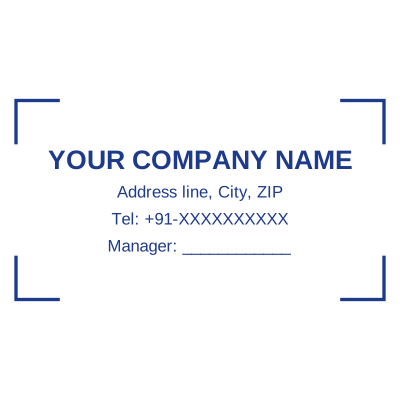
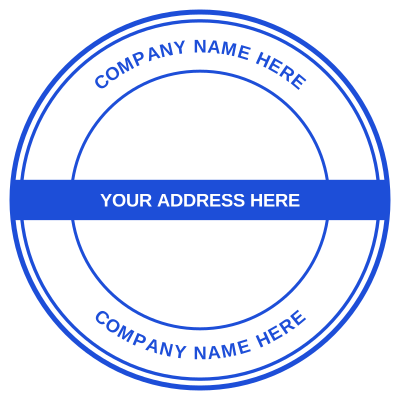
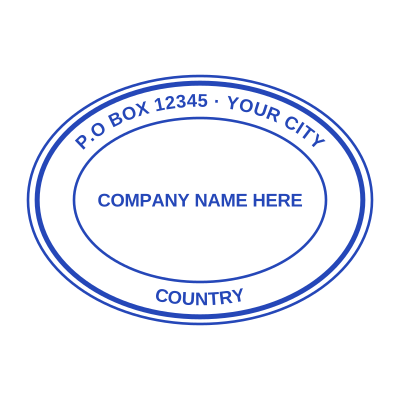

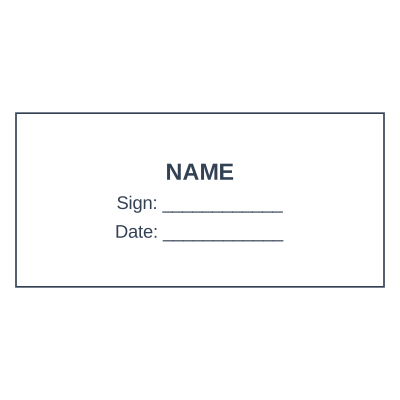
Open the stamp maker with any of these
Every preview on this page carries a faint Estamplab watermark. Your own download does not: the editor renders your stamp again, clean, as a transparent PNG, an SVG or a PDF. See the full template library.
When to use Letterhead stamp
- Outgoing company letters
- Notices and circulars
- Covering letters with attachments
- Correspondence with banks and authorities
How to make Letterhead stamp
- Open the stamp maker and pick the Letterhead stamp template, or type your own wording.
- Decide the outline and the colour first, size it to match the paperwork, then add the changing lines.
- Save it as a transparent PNG for screen use, or take the pack if it is going to print.
Frequently asked questions
Is the letterhead stamp free?
There is no charge to make a letterhead stamp, no account needed, and no watermark on what you see. The charge is for the file, $1.50 for one format or $3.00 for the complete set.
Can I add a date to the letterhead stamp?
The letterhead stamp takes a date, a time and a serial number, in any combination. An empty date fills itself in at download; a typed one is treated as a deliberate record and left alone.
What format do I get?
Images on their own: transparent PNG, white PNG, JPG, and high-resolution versions of each. The pack adds the SVG, the print PDF and the Word file where the date and serial stay editable text.
Is there a free maker, or only samples?
This is a free letterhead stamp maker. Pick a letterhead stamp sample for a head start or use the blank letterhead stamp generator, then change every line of the letterhead stamp design. Everything happens with the letterhead stamp online in your browser. The letterhead stamp price is per file rather than monthly, $1.50 for a letterhead stamp png and $3.00 for the pack, and a letterhead stamp template never enters into it.