Free library seal and ex libris stamp
Make a library seal or book plate stamp with institution name, shelf mark, ownership wording, and date.
Library Seal templates, ready to edit
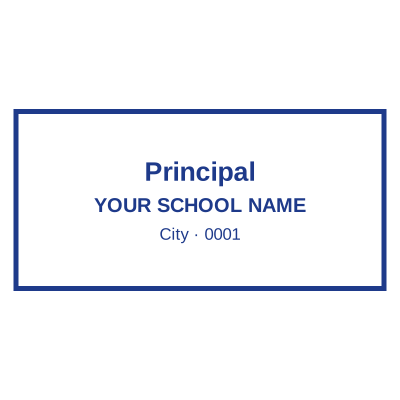


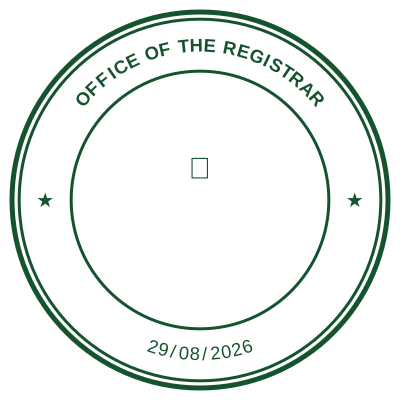
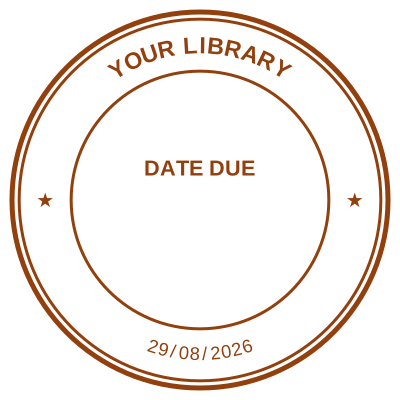

Open the stamp maker with any of these
Every preview on this page carries a faint Estamplab watermark. Your own download does not: the editor renders your stamp again, clean, as a transparent PNG, an SVG or a PDF. See the full template library.
When to use Library Seal
- Libraries
- Schools
- Book ownership marks
How to make Library Seal
- Open the stamp maker and pick the Library Seal template, or type your own wording.
- Adjust the shape, the colour and the diameter, then add a logo and any lines that have to change.
- Export a PNG or JPG for $1.50, or every format zipped for $3.00 including the editable Word file.
Frequently asked questions
Is the library seal free?
Free until you want the file. The library seal previews at full quality with nothing over it, and only the download is charged: $1.50 for one image format, $3.00 for all of them zipped.
Can I add a date to the library seal?
Yes, and you can add a time beside it. On a library seal the date can either be one you type, which stays fixed, or left blank so it resolves at the moment of each download.
What format do I get?
Single formats are the images: a transparent PNG, a white-background PNG or a JPG. The vector and document versions of the library seal, meaning SVG, PDF, EPS and Word, come with the all-formats pack.
How much does it cost, and what do I get?
You build it. The library seal sample layouts are starting points rather than the product, so this is closer to a library seal generator than a library seal template. Adjust the library seal design, build the library seal online, preview at real size, then pay once. As a library seal maker it charges nothing to try, and the library seal price is $1.50 for a transparent library seal png or $3.00 for the whole pack.