Free online rubber stamp maker
Create the look of a classic rubber stamp online, then download it as a transparent PNG or place it directly on a PDF.
Rubber Stamp templates, ready to edit




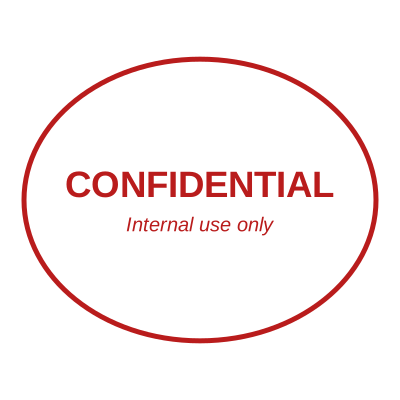

Open the stamp maker with any of these
Every preview on this page carries a faint Estamplab watermark. Your own download does not: the editor renders your stamp again, clean, as a transparent PNG, an SVG or a PDF. See the full template library.
When to use Rubber Stamp
- Office stamps
- Approval marks
- Document status labels
How to make Rubber Stamp
- Open the stamp maker and pick the Rubber Stamp template, or type your own wording.
- Decide the outline and the colour first, size it to match the paperwork, then add the changing lines.
- Pick a PNG or a JPG on its own, or take everything at once including the retypable Word version.
Frequently asked questions
Is the rubber stamp free?
Yes to design it, no to download it. Building a rubber stamp costs nothing and needs no account, and you can edit it for as long as you like. Getting the file out is $1.50 for a single image format, or $3.00 for the full pack.
Can I add a date to the rubber stamp?
The rubber stamp takes a date, a time and a serial number, in any combination. An empty date fills itself in at download; a typed one is treated as a deliberate record and left alone.
What format do I get?
Images on their own: transparent PNG, white PNG, JPG, and high-resolution versions of each. The pack adds the SVG, the print PDF and the Word file where the date and serial stay editable text.
Is there a free maker, or only samples?
It is a rubber stamp maker rather than a rubber stamp template you download and then fight with in a word processor. Build a rubber stamp online from a rubber stamp sample, or start empty and use it as a rubber stamp generator: every part of the rubber stamp design stays adjustable. The rubber stamp price covers the file only, $1.50 for a transparent rubber stamp png or $3.00 for every format.
Read more
- Rubber stamps: the types, the parts, and what to buy
- Self-inking vs pre-inked stamps compared
- How rubber stamps are actually made