Funeral home stamp for records and permits
A funeral director stamps the paperwork a family will need much later for probate and for claims, which is why legibility on a photocopy matters more here than on almost any other stamp.
Funeral home stamp templates, ready to edit

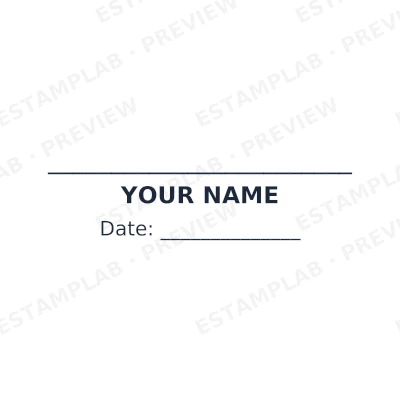


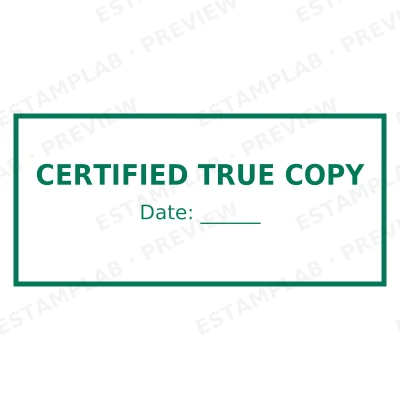
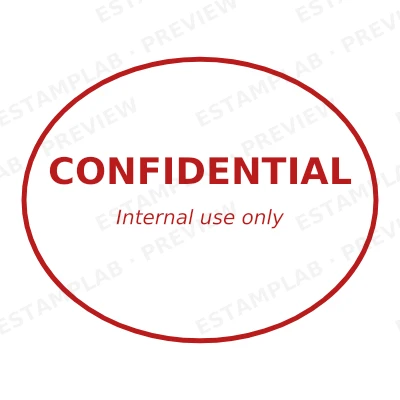
Open the stamp maker with any of these
Every preview on this page carries a faint Estamplab watermark. Your own download does not: the editor renders your stamp again, clean, as a transparent PNG, an SVG or a PDF. See the full template library.
When to use Funeral home stamp
- Records released to families
- Burial and cremation paperwork
- Invoices and estimates
- Correspondence with registrars and insurers
How to make Funeral home stamp
- Open the stamp maker and pick the Funeral home stamp template, or type your own wording.
- Choose the shape and ink colour, size it like a real stamp, and add a logo, a date or a number.
- Download it: a transparent PNG for documents, or the pack for the SVG, the PDF and the Word version.
How to put a funeral home stamp on a PDF
In Bluebeam, Markup then Image places the funeral home stamp, and the result behaves like any other markup until you flatten it. Flattening matters on anything going to a client or a reviewer: before it, the stamp is an object anybody can select and drag off the page.
What size should a funeral home stamp be?
On A4, anything between 35 and 45 mm reads as a stamp that was pressed onto the page. Below about 30 mm the ring text stops being legible once the document is photocopied, and above about 50 mm the funeral home stamp starts competing with the content instead of marking it.
What a funeral home stamp does not prove
Only apply a funeral home stamp for an organisation or an office you are authorised to act for. Making a mark in the name of a body you do not represent is a criminal matter in most jurisdictions, and it is the one use of a tool like this that is never defensible.
Frequently asked questions
Is the funeral home stamp free?
Free until you want the file. The funeral home stamp previews at full quality with nothing over it, and only the download is charged: $1.50 for one image format, $3.00 for all of them zipped.
Can I add a date to the funeral home stamp?
Yes. A date, a time, or both, positioned wherever they fit the funeral home stamp. An empty date field means "whenever this is used", so the impression records the real day.
What format does the funeral home stamp download in?
Single formats are the images: a transparent PNG, a white-background PNG or a JPG. The vector and document versions of the funeral home stamp, meaning SVG, PDF, EPS and Word, come with the all-formats pack.
Can I design my own funeral home stamp, or pick from templates?
Neither a static funeral home stamp template nor a stock image: a funeral home stamp generator you drive, and a funeral home stamp maker in the sense that matters, which is that nothing is fixed. Choose a funeral home stamp sample layout, rework the funeral home stamp design, build the funeral home stamp online and download when it looks right. The funeral home stamp price is $1.50 for a single funeral home stamp png or $3.00 for every format zipped.
Estamplab is a design tool. What a notarial or legal mark must carry is set by the authority that issued the commission or the appointment, and it differs sharply between jurisdictions, so check your own paperwork before relying on any layout here. This page describes common practice rather than giving legal advice. Only produce a mark you hold the authority to use: a stamp in the name of an office you do not hold is forgery.