Free bank stamp template online
Create clean bank-style stamps for document processing, deposit instructions, payment confirmation, and internal review.
Bank Stamp templates, ready to edit
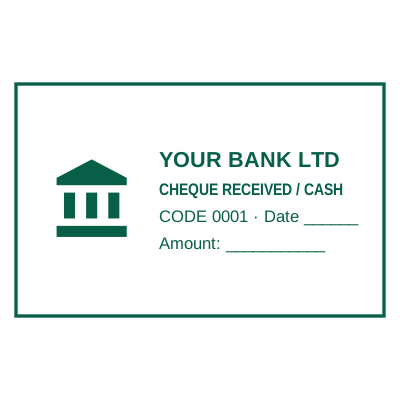
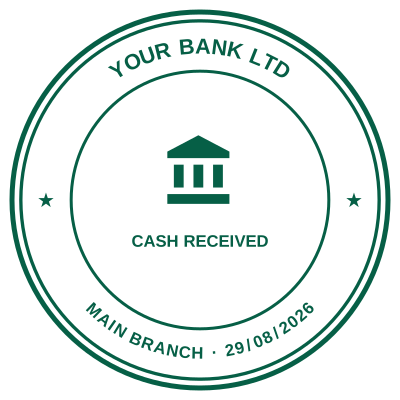
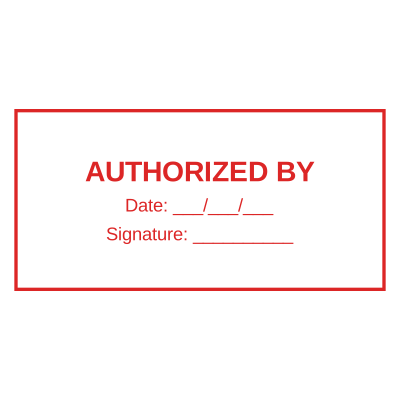

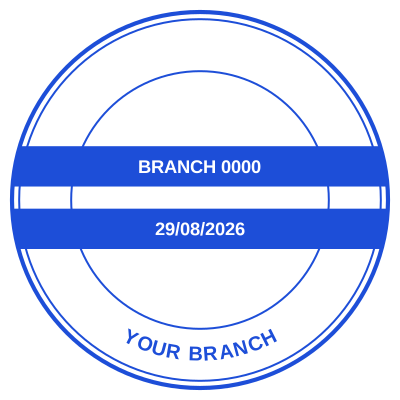

Open the stamp maker with any of these
Every preview on this page carries a faint Estamplab watermark. Your own download does not: the editor renders your stamp again, clean, as a transparent PNG, an SVG or a PDF. See the full template library.
When to use Bank Stamp
- Deposit only stamps
- Payment processing
- Bank letters and account forms
How to make Bank Stamp
- Open the stamp maker and pick the Bank Stamp template, or type your own wording.
- Style it: shape, border, ink colour and size, plus a logo and the date or serial if you need them.
- Take a transparent PNG on its own, or the full pack with the vector, print and Word files in it.
Frequently asked questions
Is the bank stamp free?
You can design a bank stamp and look at it as long as you want without paying or signing up. Downloading costs $1.50 for a PNG or JPG, or $3.00 for the pack with the vector and document formats in it.
Can I add a date to the bank stamp?
Add a date line anywhere on the bank stamp. If you type a date it stays put; if you leave it empty it becomes today's date each time the file is generated, which is usually what a dated stamp is for.
What format do I get?
Single formats are the images: a transparent PNG, a white-background PNG or a JPG. The vector and document versions of the bank stamp, meaning SVG, PDF, EPS and Word, come with the all-formats pack.
Is this a maker or just a template?
A bank stamp maker with samples to start from. A downloadable bank stamp template locks you into whatever it was drawn at, whereas a bank stamp design here changes whenever you need it to and the bank stamp generator rebuilds it instantly. Create the bank stamp online, and pay only for the file: the bank stamp price is $1.50 for a bank stamp png, $3.00 for everything, starting from any bank stamp sample.
Read more
Estamplab is a design tool. This page describes common commercial and banking practice rather than giving financial, tax or legal advice, and practice changes. Where a specific document or instrument matters, check the requirement with the bank or body receiving it. Only produce a mark you are entitled to use: a stamp in another organisation’s name is forgery.