Business stamp templates: approved, paid, received and more
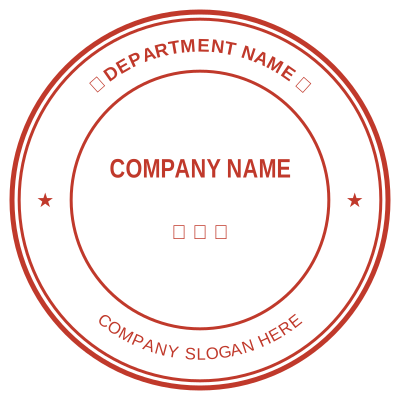
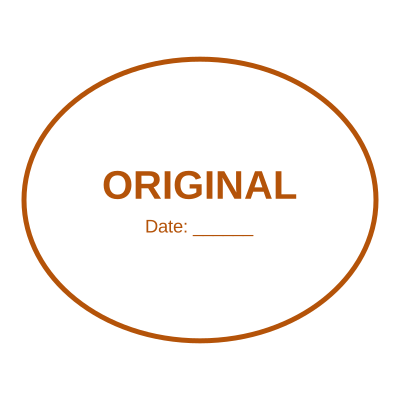
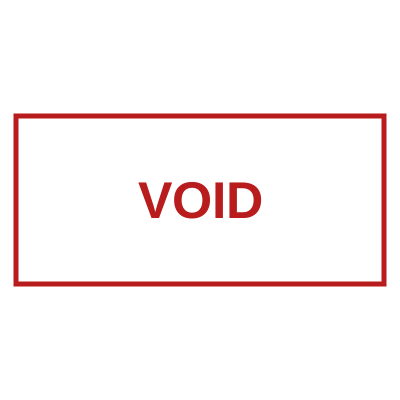
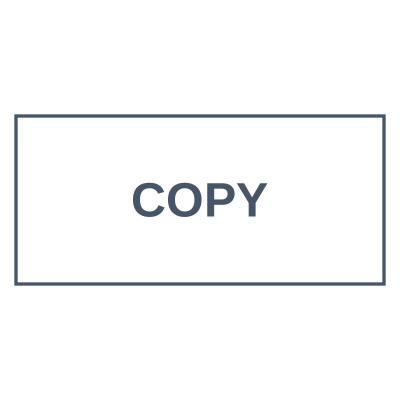
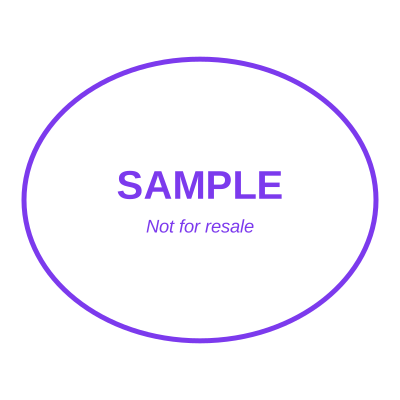
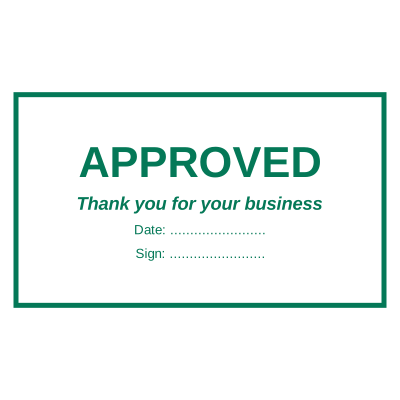
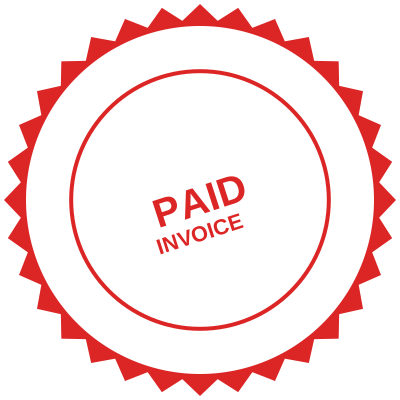
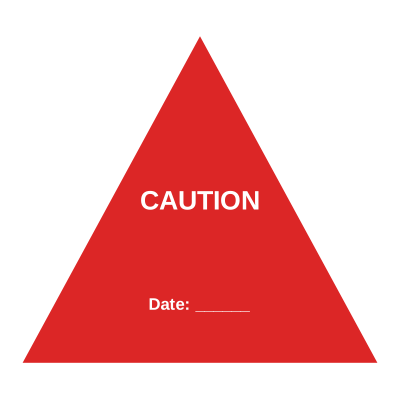
A business stamp template is a status or process mark, APPROVED, PAID, RECEIVED, VOID, laid out so the word reads from across a desk and the date sits where somebody will look for it.
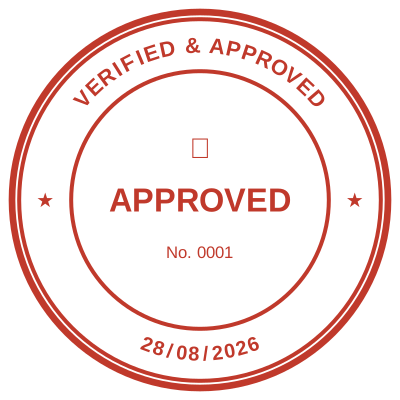
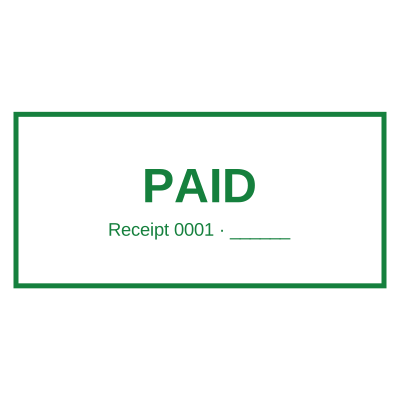
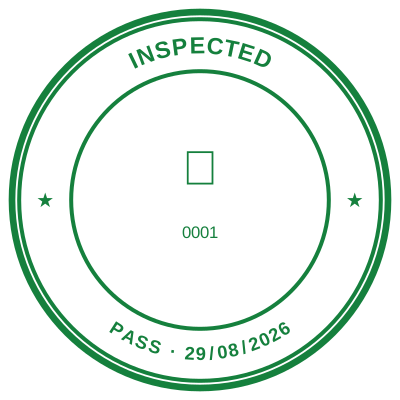
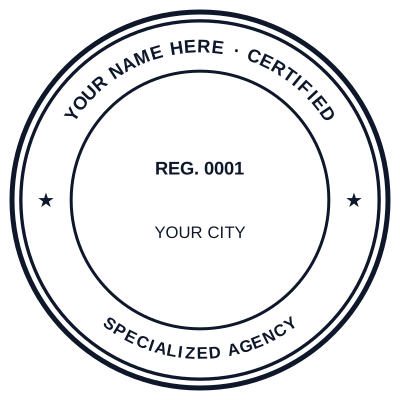
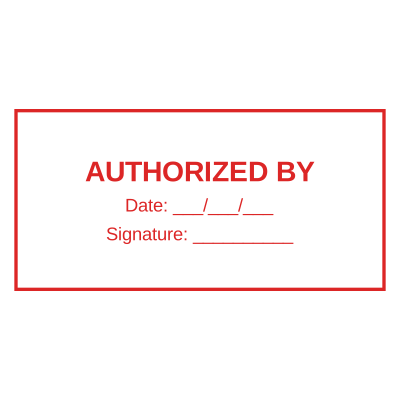
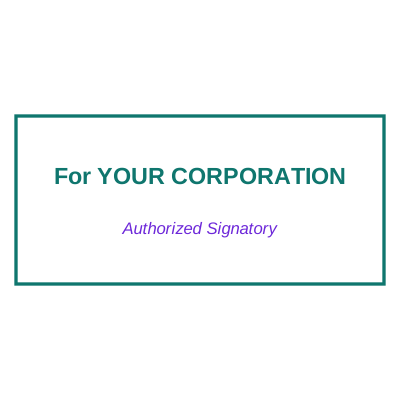
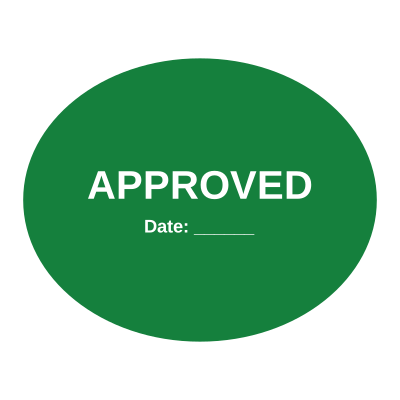
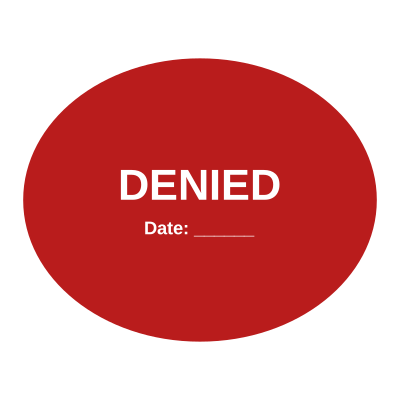
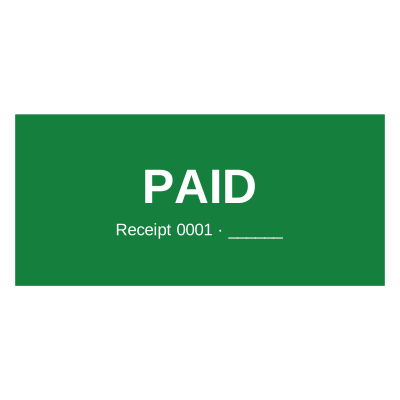
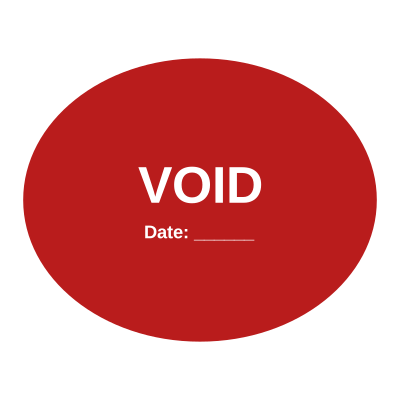
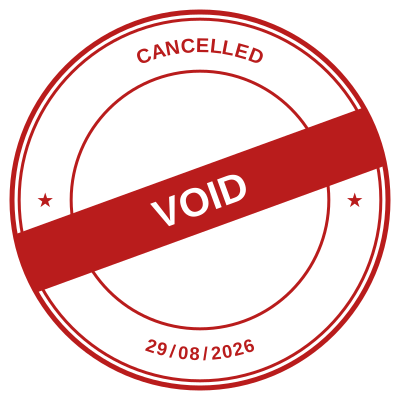
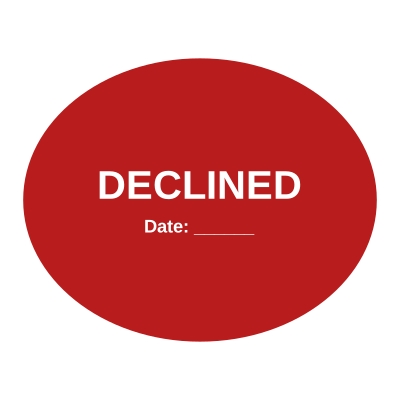
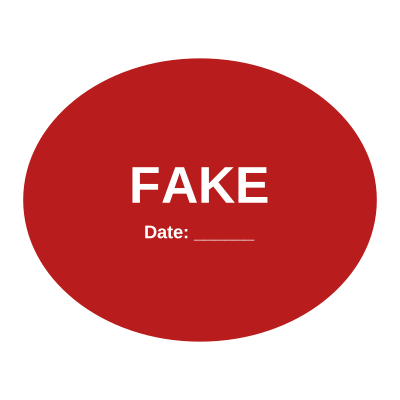
The working stamps. These are the marks that move a document through a process rather than identifying who it came from, so the priority is that the word is legible instantly and the date is on the mark rather than typed somewhere else on the page. Most of these carry a date field that fills itself in.































Questions
Which business stamps does an office actually need?
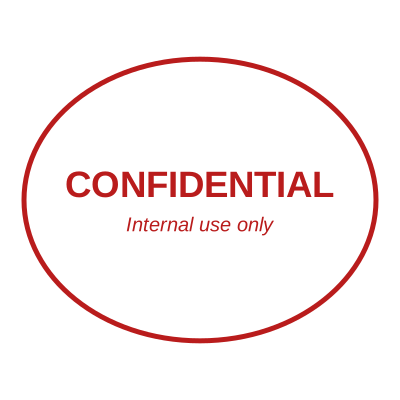
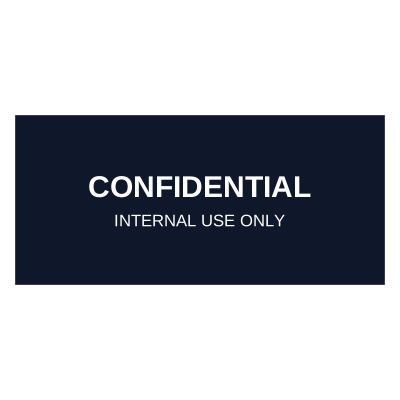
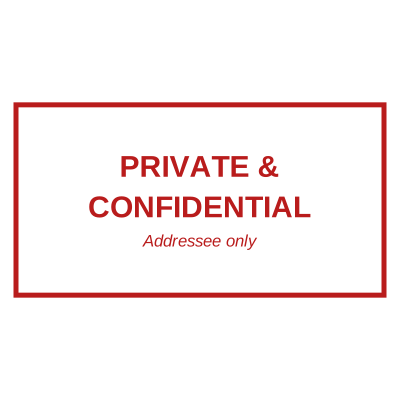
Most offices are served by four: a dated RECEIVED mark, a dated PAID mark, an APPROVED mark for sign-off, and a DRAFT or CONFIDENTIAL mark to prevent the two accidents that actually cost money.
Can the date fill itself in?
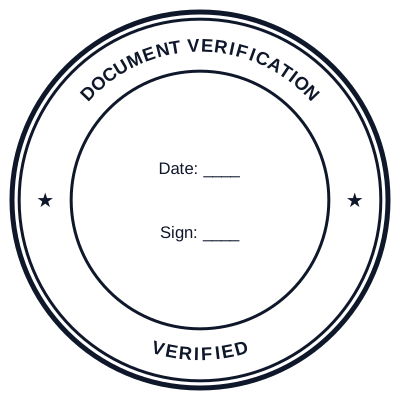
Yes. A template with a date field takes today’s date automatically, or a date you set. There are no rotating bands to forget to roll over, which is the commonest way a physical date stamp goes wrong.
Can I number these stamps?
Yes, on a signed-in account. The serial increments on its own so each impression is tied to one document, which is what turns a stamp from a mark into a record.
What colour should a business stamp be?
Blue for identity marks, red for status marks like VOID, PAID and URGENT. Blue on a monochrome photocopy tells a reader which one is the original.
Estamplab is a design tool. These templates describe common commercial practice rather than giving legal, medical, tax or financial advice, and practice changes. Notarial, medical and professional marks are governed by the authority that issued your commission, registration or licence, so check the requirement with them. Only produce a mark you are entitled to use.