Signature stamp templates with a name, title and date line
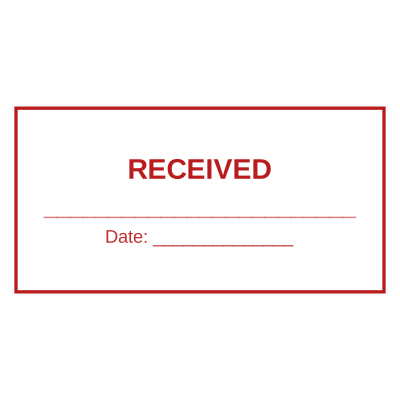
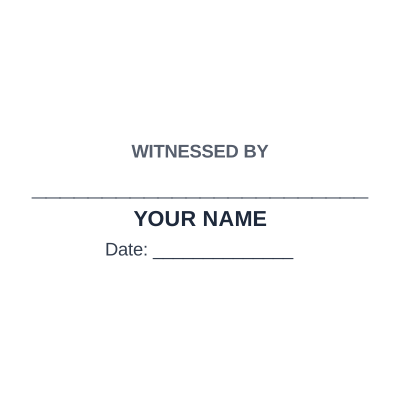
A signature stamp template gives you a signature rule with a name and title block under it and a date beside it, which is a more useful mark than a bare signature image because a reader can tell who signed.
These carry a rule for your signature to land on, rather than floating the image somewhere near it. Upload a photograph of your signature on white paper and the background is knocked out, so it sits on the document as ink. Keep a signature stamp to routine paperwork: anything that creates an obligation should be signed by hand.




Questions
How do I turn my signature into a stamp?
Sign on plain white paper in a dark pen, photograph or scan it, and upload it. The white is removed so the signature lands as ink rather than inside a white box, and you can add a name and title line beneath it.
Is a signature stamp legally binding?
It can be evidence of routine authorisation, and it is not the same as a signature applied by hand with intent to be bound. Keep it off contracts, deeds, guarantees and cheques.
Why do these templates have a line of underscores?
The rule is what the signature anchors onto, so the uploaded mark lands on the line instead of floating over the name. It is deliberate, not a placeholder somebody forgot to remove.
Can I add the date to a signature stamp?
Yes, and it is worth doing. A signature says who, a date says when, and separated they drift apart on a busy desk.
Estamplab is a design tool. These templates describe common commercial practice rather than giving legal, medical, tax or financial advice, and practice changes. Notarial, medical and professional marks are governed by the authority that issued your commission, registration or licence, so check the requirement with them. Only produce a mark you are entitled to use.