AI stamp generators: what a prompt actually gives you
4 September 2026 · Estamplab
Make your stamp free · Browse 225 templates
Type "company stamp with my business name" into a general image model and you get something that looks like a stamp. Then you read the ring text, and about half the letters are not letters. This page is what actually happens and why, and what a usable stamp file has to be.
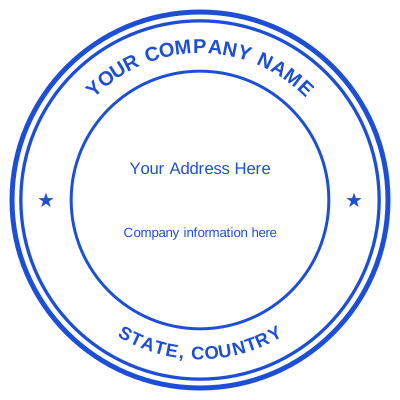


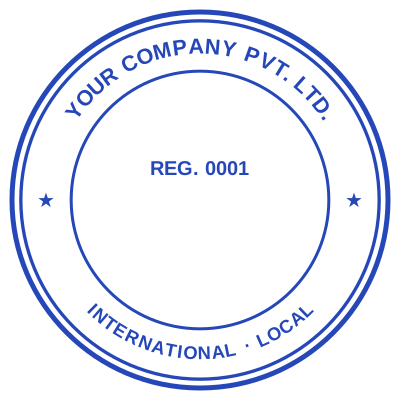
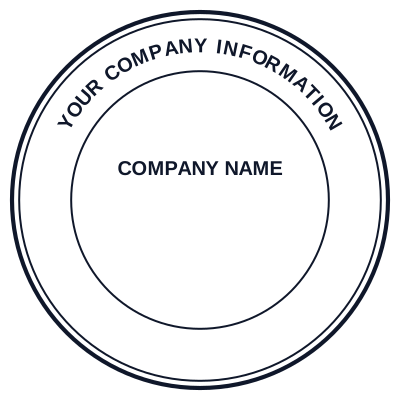
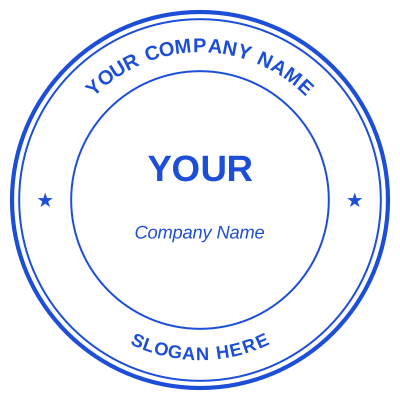
Open the stamp maker and start from any of these
For the tool page rather than the explanation, see the AI stamp generator.
What comes back
The text is approximately text. Image models draw letter shapes rather than setting type. On a straight line they often get away with it. Bent around a ring, at small size, the letters drift into shapes that are nearly the right ones. Your company name comes back misspelled in a way that is difficult to see and impossible to fix.
The registration number is invented. A model will happily produce a plausible eight digit number that is not yours, because it is drawing the look of a company seal rather than recording your details.
It is a raster image. A flat grid of pixels at whatever size it was generated. No vector, so it goes soft when scaled, and a stamp maker cannot cut a die from it.
The background is not transparent. You get a white square, so on a document it lands as a white card over the page. That failure is covered in transparent stamp PNG.
Nothing is editable. Change the address next year and you are back to prompting, and the new one will not match the old one.
Why this is a type-setting problem, not an AI problem
A stamp is a small amount of type arranged precisely: a name that has to be spelled correctly, a number that has to be exact, ring text that has to fit the circle without crowding at the joins. That is a layout task with a right answer, and the tools that solve it place real glyphs on a real path.
An image model is doing something else entirely, and it does that other thing well. Ask it for a decorative emblem, a crest, a botanical motif, and it is genuinely useful. Ask it for your registered company details and it is the wrong instrument.
Where AI is worth using on a stamp
The centre device. Generate an emblem, a crest or an icon, then bring it in as the image inside a ring you set properly. That is the split that works: the model does the picture, type-setting does the text.
Cleaning up an existing logo. Not generation, but the same family of tools, and useful when a logo needs reducing to one colour. See art and logo stamps.
Deciding on a look. Generate half a dozen, pick the one you like, then build it properly.
What you should not do is take the generated image straight onto an invoice.
What a usable stamp file has to be
- Spelled right, which means typed rather than drawn.
- Vector, or at minimum high resolution, so it survives being scaled and can be cut. See stamp file formats.
- Transparent, so it sits on the document rather than over it.
- Editable, because addresses and numbers change.
- Sized to a real stamp, so it lands correctly in Word instead of four times too wide. See what size a company stamp should be.
Read more: The eleven questions worth asking before you pay
The honest limits
Estamplab is a design tool. This page describes common practice rather than giving legal advice, and what a mark must carry for a particular document is set by the authority receiving it, so check the requirement with them.
Only produce a mark you or your organisation are entitled to use. A generated seal carrying somebody else's registered name and number is not a design experiment.
The rest of the range is on the stamp and seal directory.
Every kind of stamp and seal
- Notary stamps and seals
- Rubber stamps
- Rubber stamp maker
- Self-inking stamps
- Office stamps
- Official stamps
- Company seals
- Corporate stamps and seals
- Company chops
- Seals for civil servants
- Justice and court stamps
- Legal and advocate stamps
- Certified true copy stamps
- Medical stamps
- Pharmacy stamps
- Veterinary stamps
- Engineer and architect seals
- Land surveyor seals
- Bank stamps
- School and principal stamps
- Teacher and marking stamps
- University and college seals
- Library stamps
- Inspection stamps
- Courier and logistics stamps
- Construction and site stamps
- Real estate stamps
- Hotel and restaurant stamps
- Church and charity seals
- Tender and bid stamps
- HR and payroll stamps
- Received and paid stamps
- Confidential and draft stamps
- Signature stamps
- Date stamps
- Custom band stamps
- Numbering stamps
- Address stamps
- Monogram stamps
- Wedding stamps
- Gift and craft stamps
- Art and logo stamps
- Wax and foil seals
- Stamp or seal, by profession